Dawn Run Safety
This is a UI Mockups AI image prompt case, leaning toward UI, Realistic. Copy the full prompt below and paste it into a free GPT image generator to create your own image with GPT Image-2 — swap the subject, brand, or aspect ratio as needed.
English full prompt
Produce a field-facing “Dawn Run Safety” route-risk map, using a 1:1 canvas and the primary task “交接跑步路段.” Build the main workspace with a page skeleton of pending and completed work in two columns, moving from pending objects to evidence and then to the final action, revealing history only after an object is selected. Use 「跑步路段 16」「待复核 5」「完成率 80%」 as core readings and update the overview when details change. Place “跑步路段 16 / 可通行”“跑步路段 19 / 需绕行”“跑步路段 22 / 已封闭” in the main list, adding owner, timestamp, and a field photograph to every row. Selecting the second row exposes change history and collection basis. “交接跑步路段” returns a visible receipt, and error focus moves to the incomplete field. Cache evidence while offline and require a version choice when connectivity returns. The empty list offers a 交接跑步路段 creation action and pending-state filter. Restrict the visual system to sandstone, ink black, and lake blue, clear Simplified Chinese sans-serif type, and tabular numerals. Use Chinese sans-serif hierarchy and tabular numerals; never let icons replace state labels, and keep forty-four-pixel targets. Build an original product language without borrowing existing identity. Avatars and codes cannot point to reality, and the frame is not an advertisement. Show the transition from pending to complete in situ for “Dawn Run Safety” after the operator chooses the action “交接跑步路段”. Filter results announce the new count in text and keep the selected filter exposed above the list. The route layer distinguishes lighting gaps, slippery surfaces, construction, open crossings, and staffed help points. Handing off a segment records who checked it and when dawn conditions changed, while the next runner receives the altered segment without exposing a home address. Final art direction: original product interface design with clear hierarchy and credible interaction states. Use this controlled palette as the dominant visual system: #172B3A, #E8F0EE, #6DA58D, #D79A46; preserve believable local material colors within it. Preserve the requested text hierarchy and wording as part of the design, but do not invent extra slogans, pseudo-text, logos, or watermarks. Keep one unmistakable primary subject or information route and one readable visual action. Use disciplined negative space and avoid default perfect symmetry. Physical credibility is mandatory: correct gravity, contact shadows, material thickness, tool weight, joint loading, fabric tension, liquid direction, reflections, scale, and occlusion. Create an original visual with no resemblance to a public figure, copyrighted character, existing campaign, or living artist signature style. No unrelated decorative icons, floating objects, duplicated limbs, plastic gloss, waxy skin, synthetic collage artifacts, or AI watermarks. Return exactly one finished image composed for 1:1; no variants, process sheet, split panels, mockup frame, or contact sheet.
中文完整提示词
制作一帧 1:1 的「清晨跑步安全」路线风险地图,让现场人员直接执行“交接跑步路段”。把待办与已完成左右分栏用于主工作区,历史变化只在选中对象后展开。核心读数设为「跑步路段 16」「待复核 5」「完成率 80%」,详情更新后概览同步变化。把“跑步路段 16/可通行”“跑步路段 19/需绕行”“跑步路段 22/已封闭”放进主列表,每条都显示归属人、时间戳与现场照片。第二行被选中时露出变更历史与采集依据,便于执行“交接跑步路段”。执行“交接跑步路段”会产生可见回执,错误焦点直接落在未填项。把离线证据暂存在设备内,连接恢复时要求选择版本,不打断跑步路段记录。跑步路段为空时显示创建入口,待处理状态可独立过滤。视觉限制在砂岩、墨黑与湖蓝,用中文无衬线建立层级,数值改用等宽体;图标不能代替状态文字,主要控件保持 44 像素热区,适配跑步路段的现场操作。界面视觉自成体系,不能借用现有产品识别,围绕“交接跑步路段”组织;头像与编号不可对应现实对象,也不做宣传海报。
Related cases
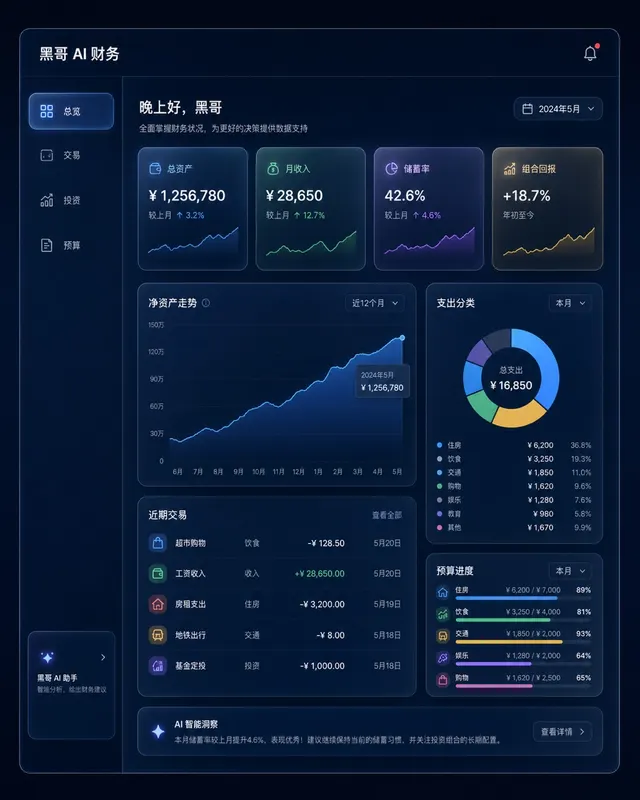
Dark Finance Dashboard Glassmorphism
A pixel-perfect desktop web app mockup of a personal finance dashboard rendered in glassmorphism style. The layout uses a dark navy background (#0D1117) with frosted-glass panels…
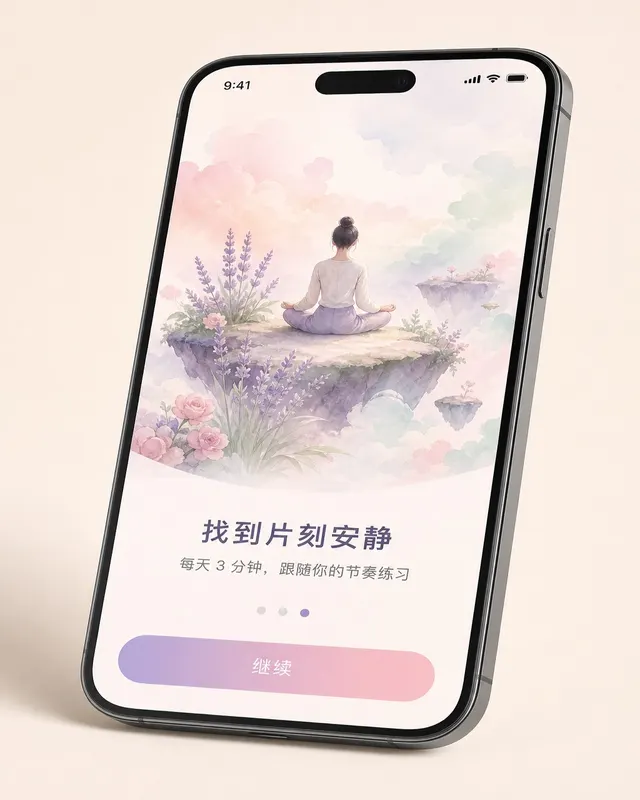
iOS Meditation App Onboarding
A pixel-perfect iOS 17 onboarding screen for a meditation app, shown in iPhone 15 Pro device frame at natural perspective with a slight tilt. The screen is the third of five steps…
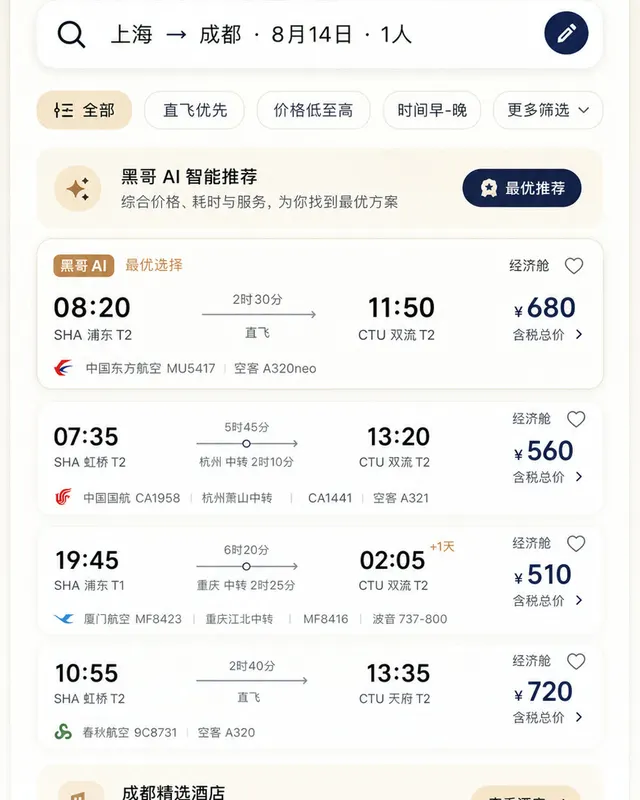
Material 3 Travel Booking App
A pixel-perfect Android mockup following Material Design 3 guidelines for a flight and hotel booking app in light mode. The screen shows a search-results list for flights from Tok…
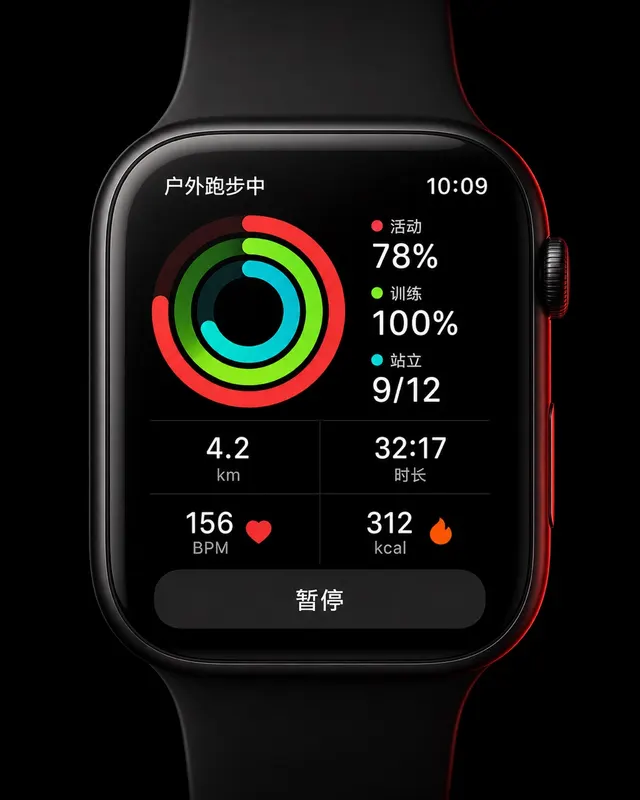
Apple Watch Workout Ring Screen
A pixel-perfect smartwatch UI mockup displayed on a 45mm square watch face with rounded corners and a black OLED background. The screen shows an active outdoor run workout. Three…