Product Photography
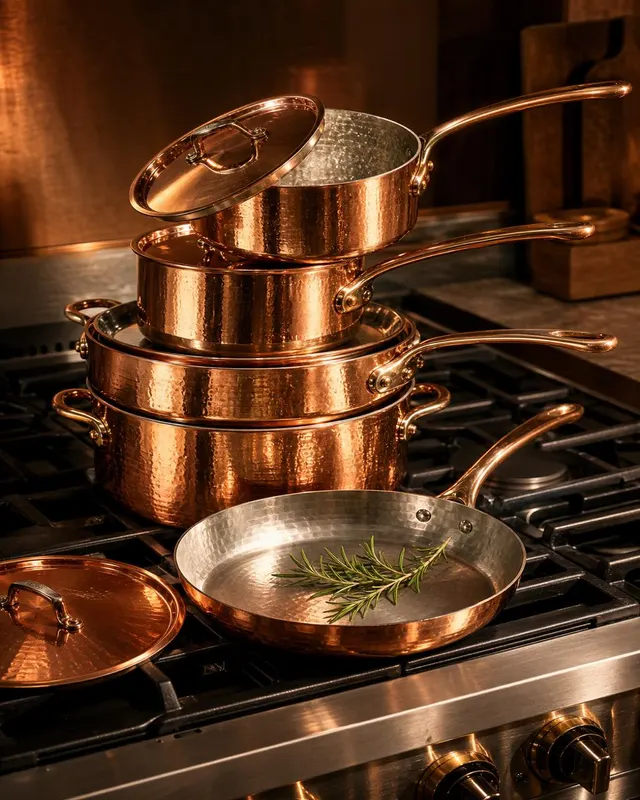
Copper Cookware Set on Stovetop
A richly lit product photograph of a five-piece copper cookware set — saucepan, sauté pan, skillet, stockpot, and lid — arranged in a casca…
RealisticCinematicWarm
Studio-grade product imagery without booking a studio.
97 prompts
Product photography prompts are where small-business owners, marketers, and Shopify operators get the biggest practical win out of GPT Image-2. A good prompt can produce a packshot that looks like a $1500 studio shoot — clean white-cyc, controlled rim lighting, accurate product geometry — in under a minute.
The prompts on this page are organised by the photographic decisions a real studio would make: subject placement (centred / off-axis / floating), backdrop (white cyc / colored seamless / textured surface / on-location), lighting setup (key + fill + rim / single soft beauty light / sunlit window), and grading (clean neutral / warm editorial / cool e-commerce). Each case names every one of these decisions explicitly, so when you swap the product, the studio context stays identical.
Beyond the basic packshot, we include lifestyle shots (the product in a believable user context), editorial spreads (the product as part of a still-life with secondary props), food photography (the harder sibling — sauces, reflections, condensation are all genuine model challenges), and banner-format compositions for hero sections and ads. The latter are deliberately written with copy-space — empty room above or beside the product where your marketing copy can land.
Common failure modes the prompts here guard against: product geometry collapsing (round things go oval, square things skew), label text turning into nonsense (we quote real label text whenever it matters), and rim lighting eating the product silhouette. If you swap in a new product, keep the geometry hints from the original prompt — they are doing more work than they look like.
If you want to ship the result to an actual product page, generate at the largest resolution your tool supports and downscale rather than upscaling later. Detail at the rim and the contact-shadow under the product is the first thing to degrade with upscaling.
Product Photography
A richly lit product photograph of a five-piece copper cookware set — saucepan, sauté pan, skillet, stockpot, and lid — arranged in a casca…
Product Photography
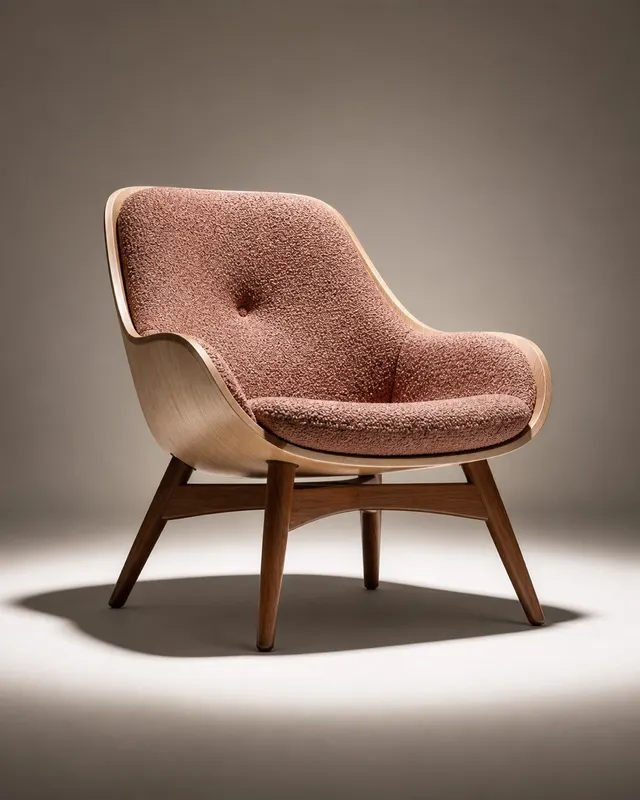
A full-body product photograph of a mid-century modern lounge chair — walnut dowel legs, a shell of molded pale ash wood, and a single tuft…
Product Photography
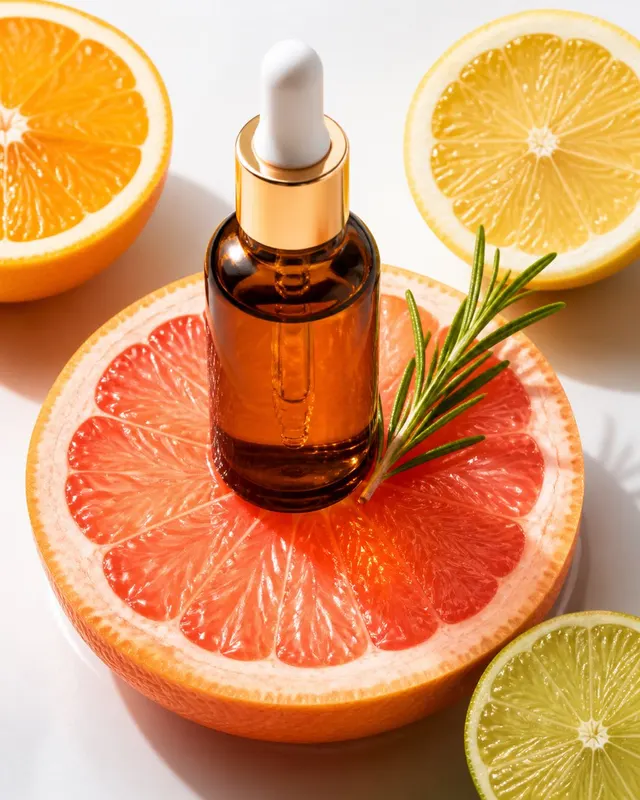
A bright, fresh editorial product photograph of a short squat glass dropper bottle of vitamin C brightening serum placed atop a translucent…
Product Photography
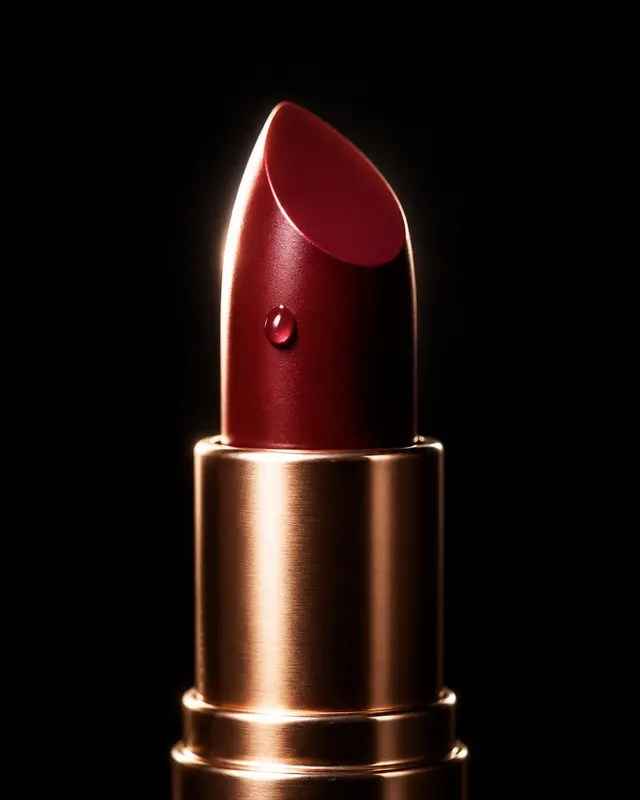
A dramatic hero-shot product photograph of a single bullet lipstick tube, cap removed, revealing a deep burgundy bullet. Shot head-on with…
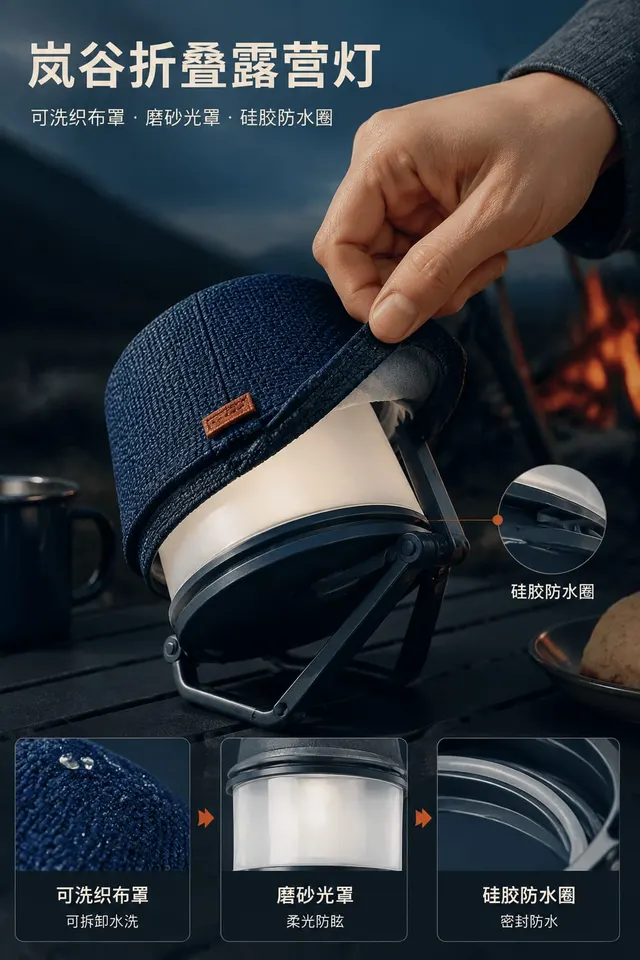
Product Photography
Create one immediately usable image titled “Langu Folding Camp Light” for showing purchase-relevant evidence for “Langu Folding Camp Light”…
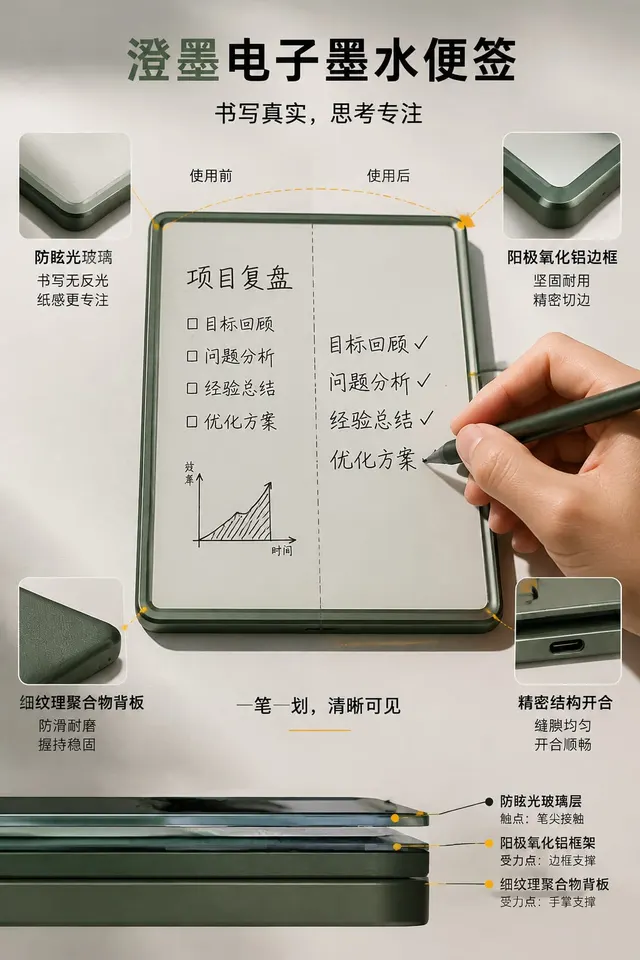
Product Photography
Create an independent “Chengmo E-Ink Note” composition that concentrates on showing purchase-relevant evidence for “Chengmo E-Ink Note” in…
For packshots, specify the lighting setup ("key light from camera left, fill bounce from right, rim light back top"). Single-light prompts look flat.
Name the surface explicitly: "matte cyclorama", "polished concrete", "natural oak". Vague "studio background" almost always renders flat gray.
Quote any label text you need readable. "Bottle labelled with the words bold honey" renders the label correctly; "with a honey label" does not.
For e-commerce banners, ask for negative space explicitly: "leave the upper-right third empty for headline copy". The model will hold the layout.
Food shots are extra sensitive to "fresh" vs "studio plated". Say "freshly tossed, slight steam rising" or "still-life styled, glistening from misted glaze" depending on the mood you want.
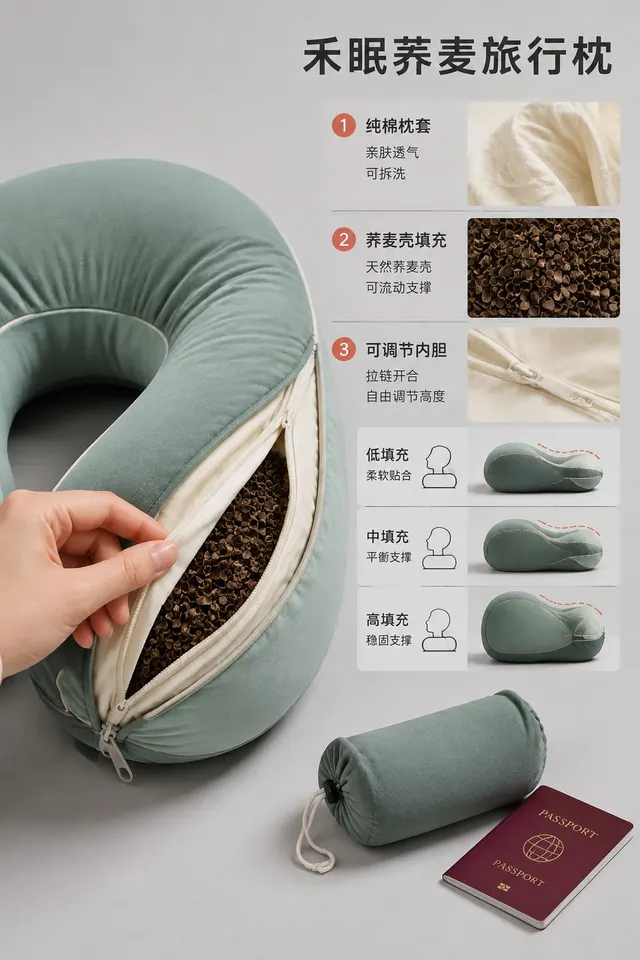
Product Photography
Create one 2:3 image of Hemian Buckwheat Travel Pillow. Place Hemian Buckwheat Travel Pillow in the environment where it would genuinely be…
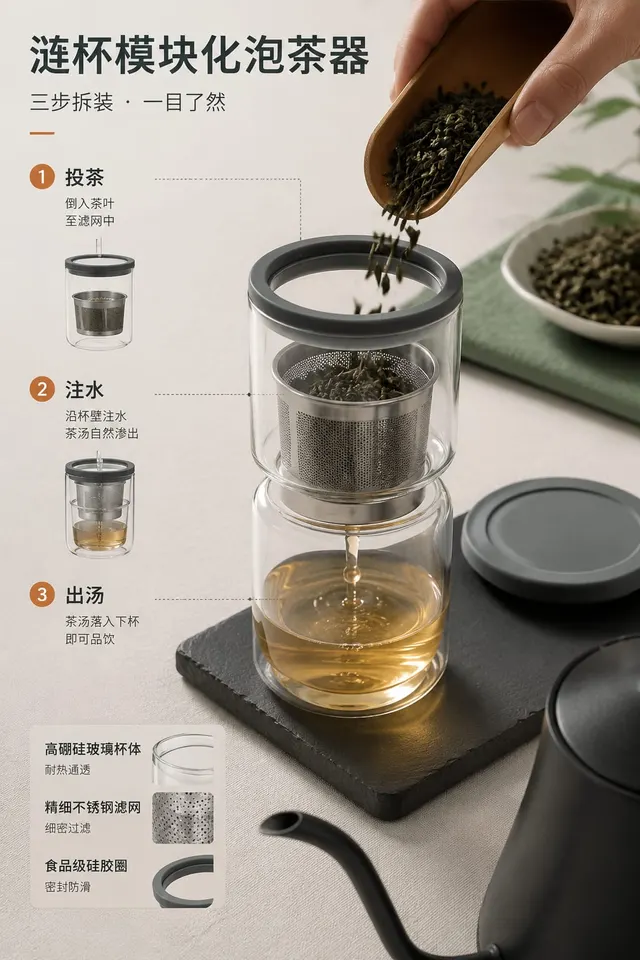
Product Photography
Create an independent “Lianbei Modular Tea Brewer” composition that concentrates on showing purchase-relevant evidence for “Lianbei Modular…
Product Photography
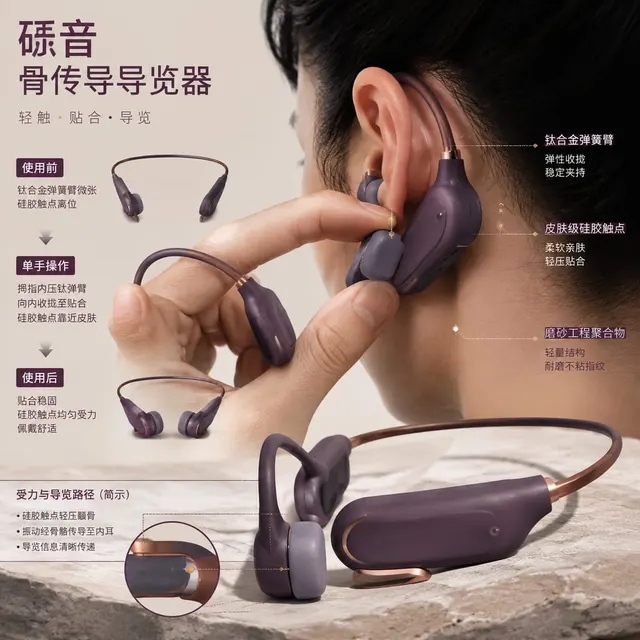
Translate showing purchase-relevant evidence for “Liyin Bone-Conduction Guide” in real use into one self-contained image titled “Liyin Bone…
Product Photography
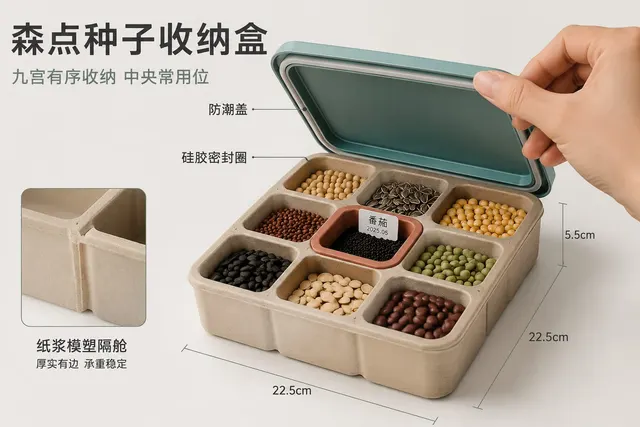
Output one “Sendian Seed Organizer” image that makes showing purchase-relevant evidence for “Sendian Seed Organizer” in real use understand…
Product Photography
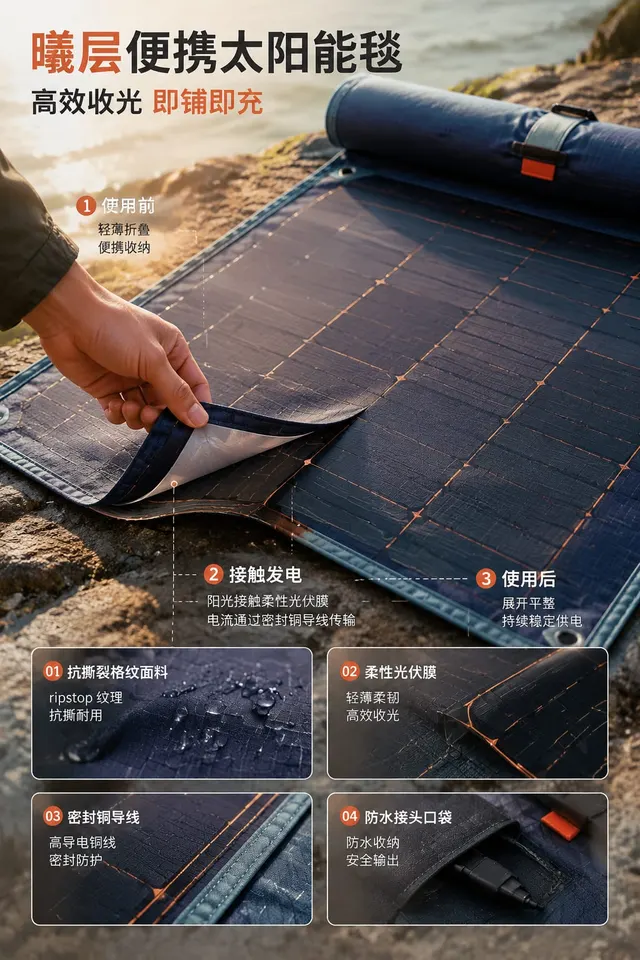
Generate a complete visual work titled “Xiceng Portable Solar Blanket,” whose practical purpose is showing purchase-relevant evidence for “…
Product Photography
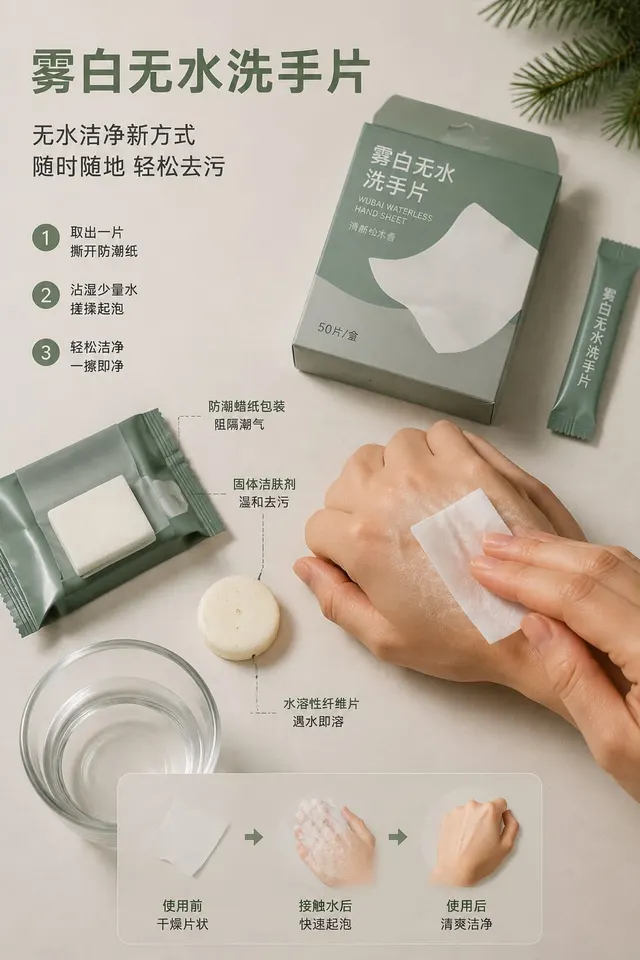
Complete one publication-ready “Wubai Waterless Hand Sheet” image for showing purchase-relevant evidence for “Wubai Waterless Hand Sheet” i…
Product Photography
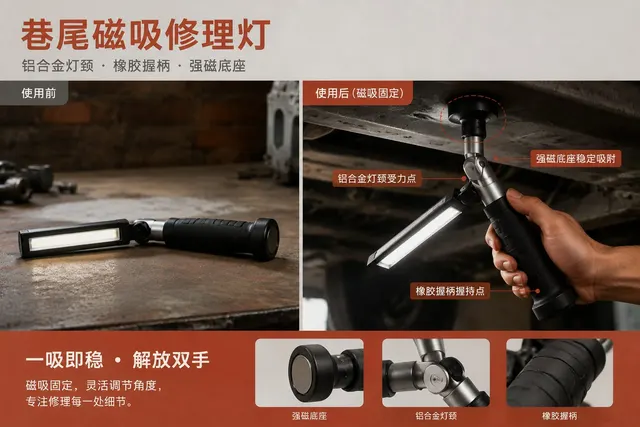
Build “Xiangwei Magnetic Repair Light” around showing purchase-relevant evidence for “Xiangwei Magnetic Repair Light” in real use, accompan…
Product Photography
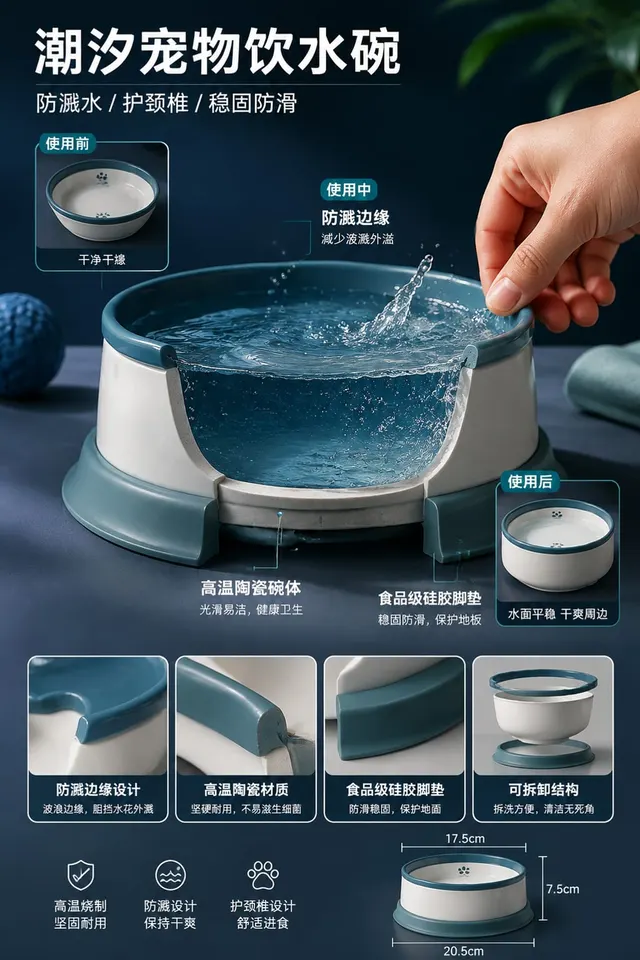
Translate showing purchase-relevant evidence for “Chaoxi Splashproof Pet Bowl” in real use into one self-contained image titled “Chaoxi Spl…
Product Photography
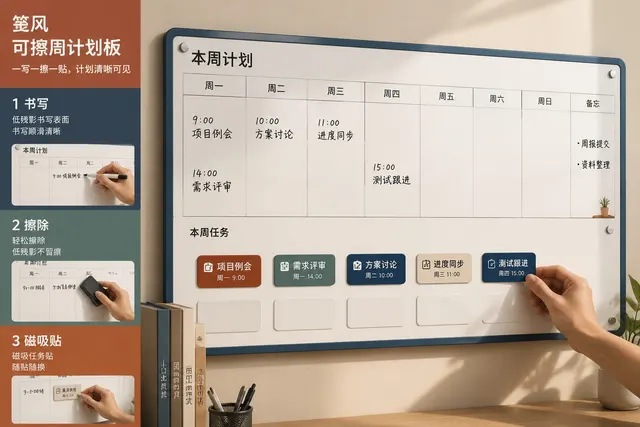
Create an independent “Jianfeng Erasable Weekly Board” composition that concentrates on showing purchase-relevant evidence for “Jianfeng Er…
Product Photography
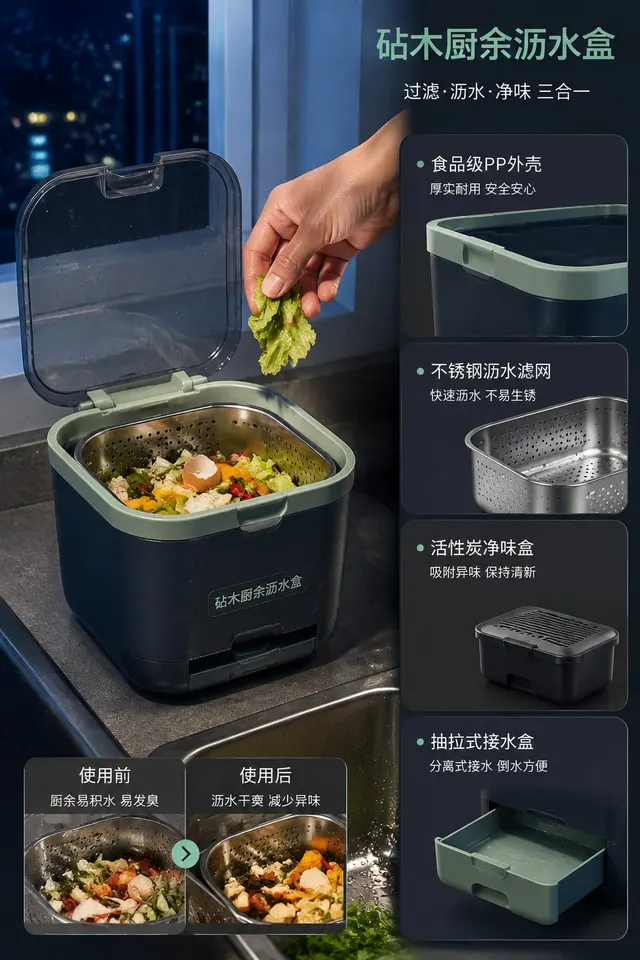
Immediately create “Zhenmu Kitchen Scrap Drainer” and communicate showing purchase-relevant evidence for “Zhenmu Kitchen Scrap Drainer” in…
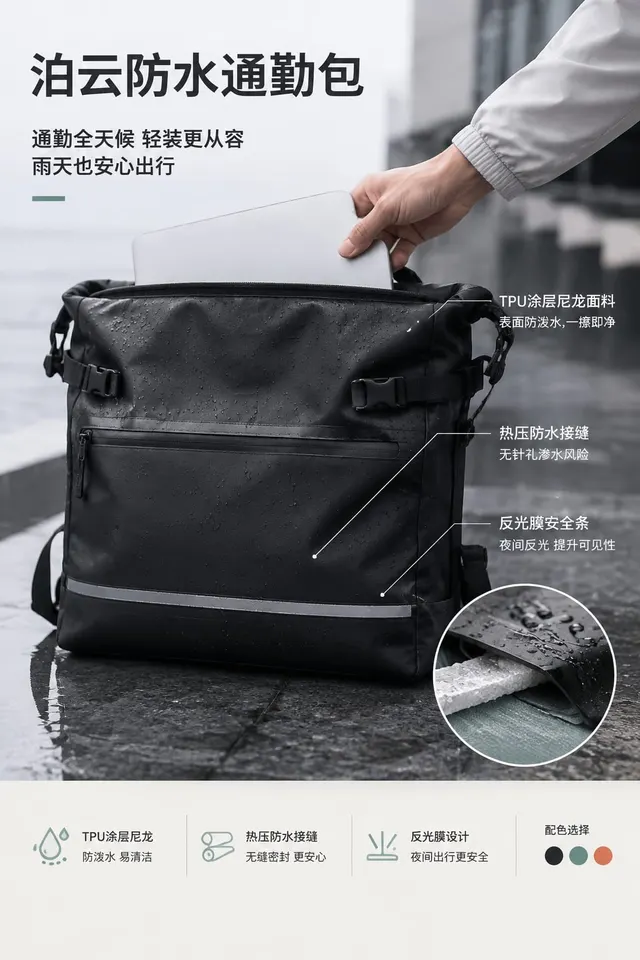
Product Photography
Create one 4:5 image of Boyun Waterproof Commuter Bag. Place Boyun Waterproof Commuter Bag in the environment where it would genuinely be u…
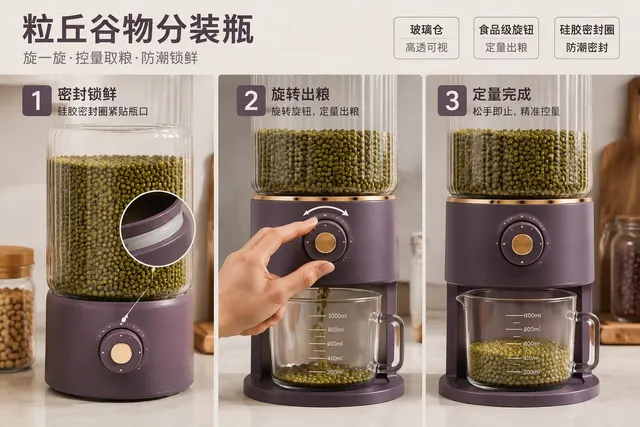
Product Photography
Complete one publication-ready “Liqiu Grain Dispenser” image for showing purchase-relevant evidence for “Liqiu Grain Dispenser” in real use…
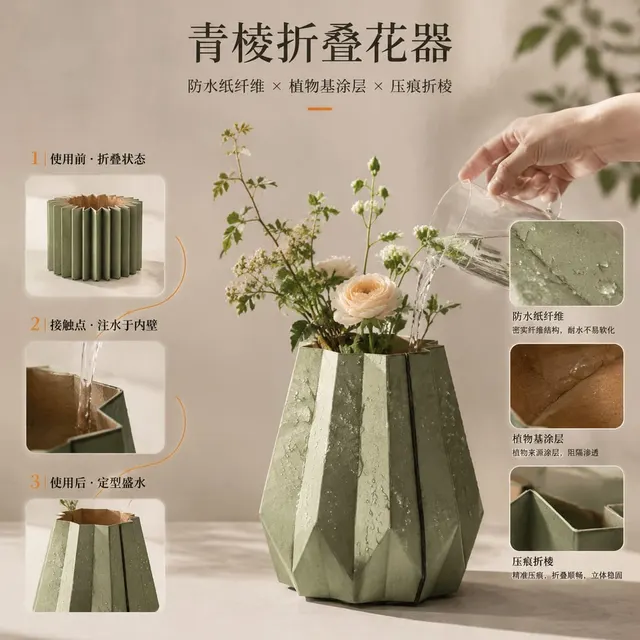
Product Photography
Translate showing purchase-relevant evidence for “Qingleng Folding Vase” in real use into one self-contained image titled “Qingleng Folding…
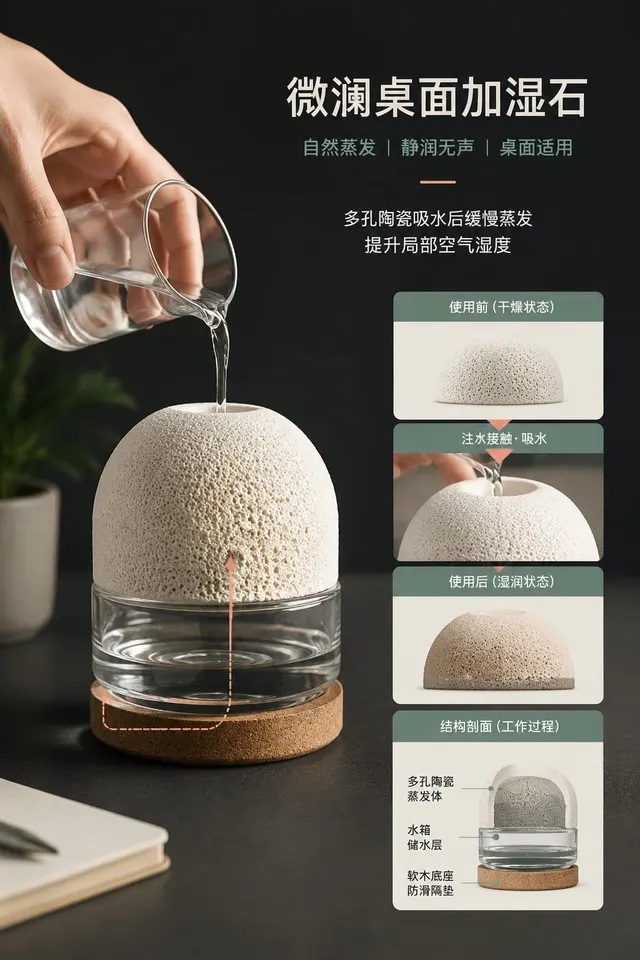
Product Photography
Make one highly finished “Weilan Desktop Humidity Stone” image centered on showing purchase-relevant evidence for “Weilan Desktop Humidity…
Product Photography
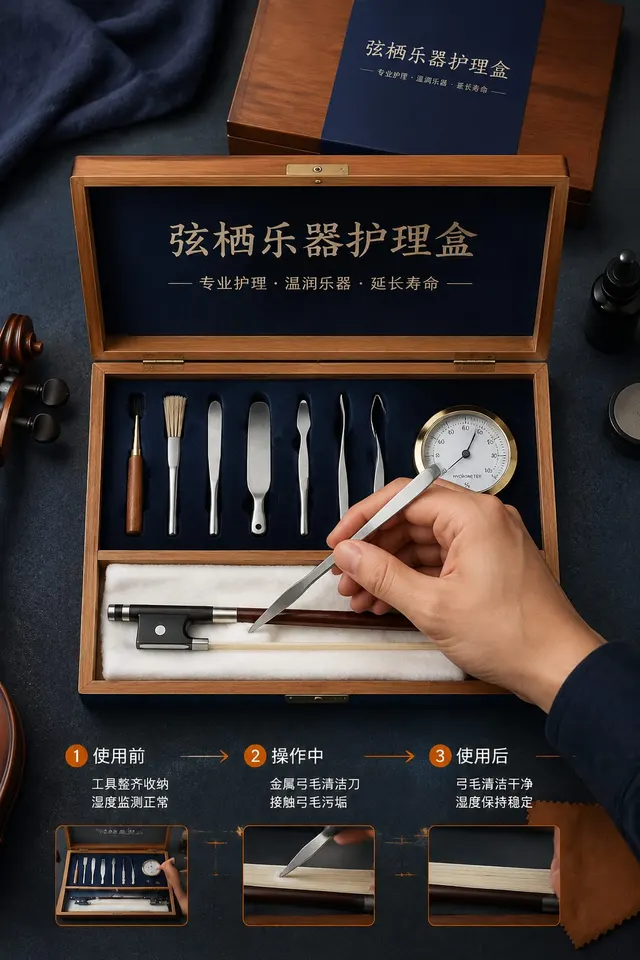
Make one highly finished “Xianqi Instrument Care Box” image centered on showing purchase-relevant evidence for “Xianqi Instrument Care Box”…
Product Photography
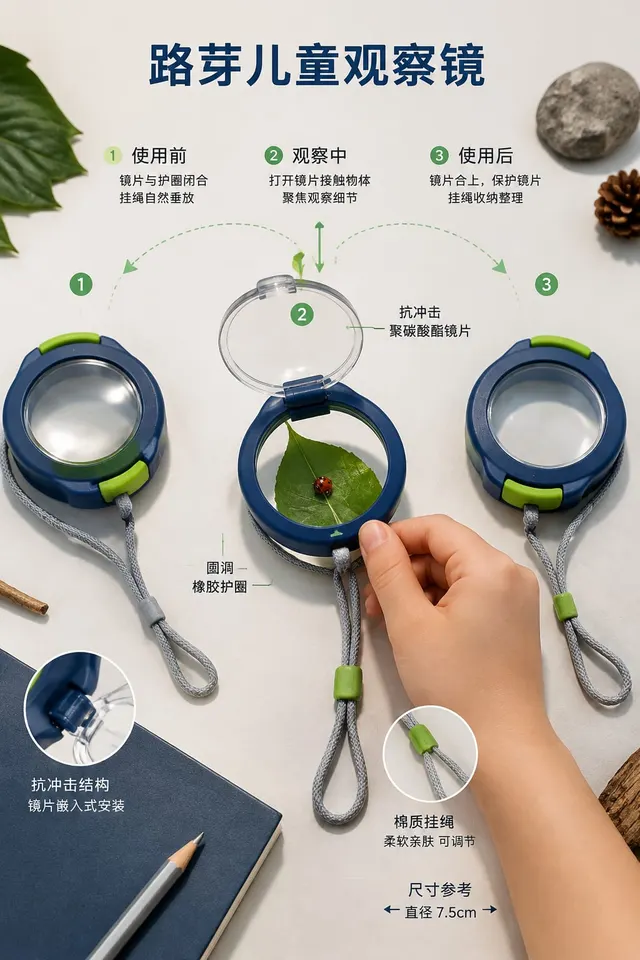
Design and generate “Luye Children’s Observation Lens,” explicitly intended for showing purchase-relevant evidence for “Luye Children’s Obs…
Product Photography
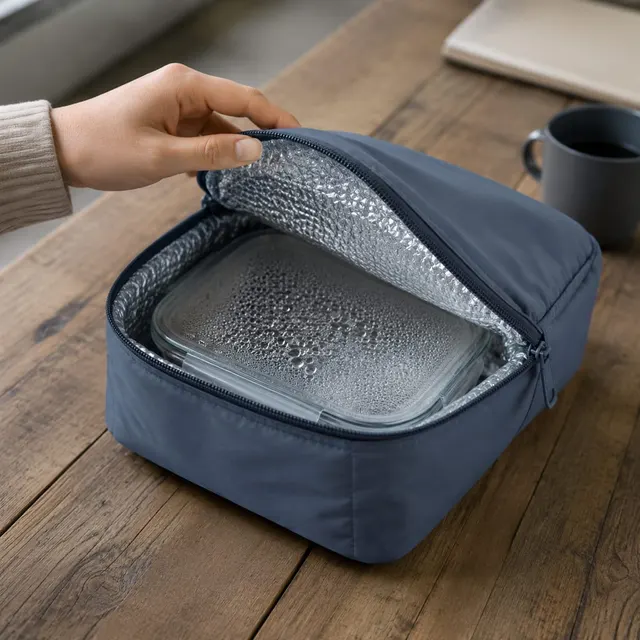
Output one “Yuwen Thermal Lunch Sleeve” image that makes showing purchase-relevant evidence for “Yuwen Thermal Lunch Sleeve” in real use un…
Product Photography
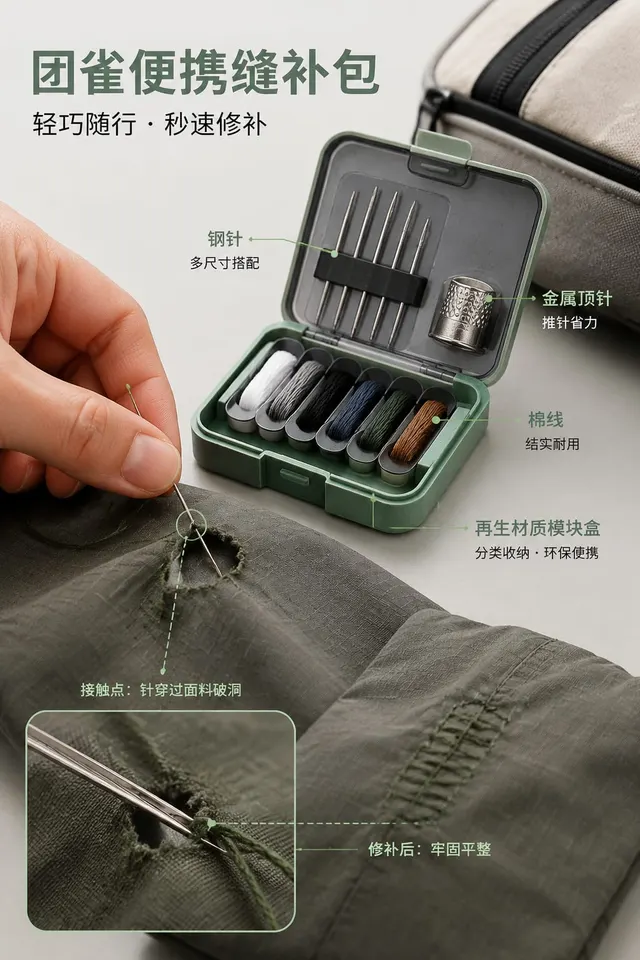
Complete one publication-ready “Tuanque Travel Mending Kit” image for showing purchase-relevant evidence for “Tuanque Travel Mending Kit” i…
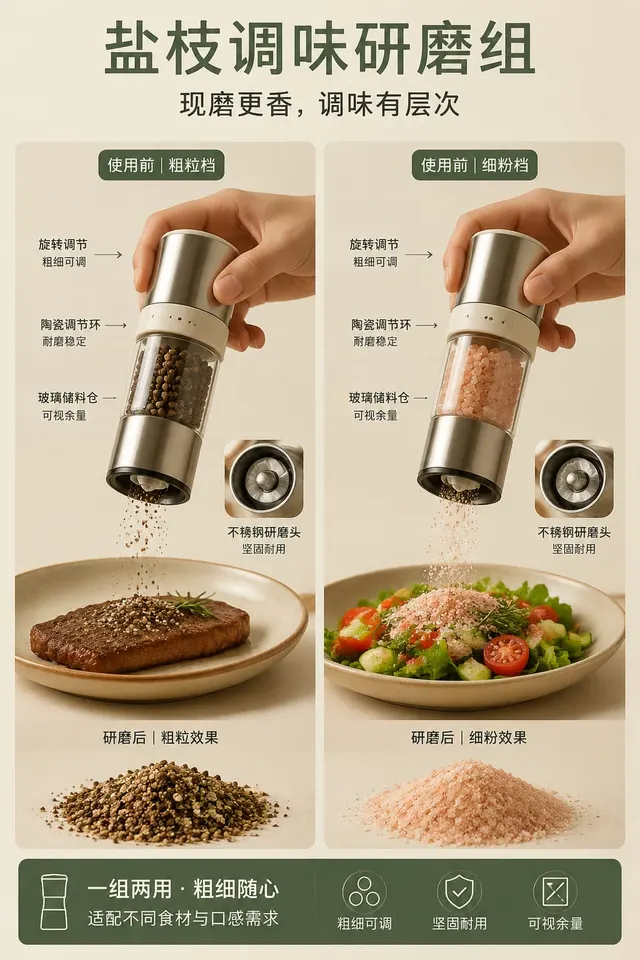
Product Photography
Create an independent “Yanzhi Spice Grinder Set” composition that concentrates on showing purchase-relevant evidence for “Yanzhi Spice Grin…
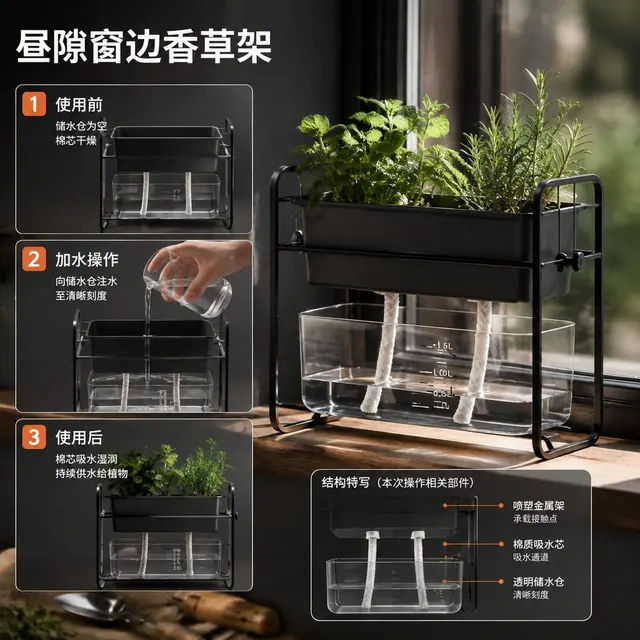
Product Photography
Directly create “Zhouxi Window Herb Rack” and communicate showing purchase-relevant evidence for “Zhouxi Window Herb Rack” in real use with…
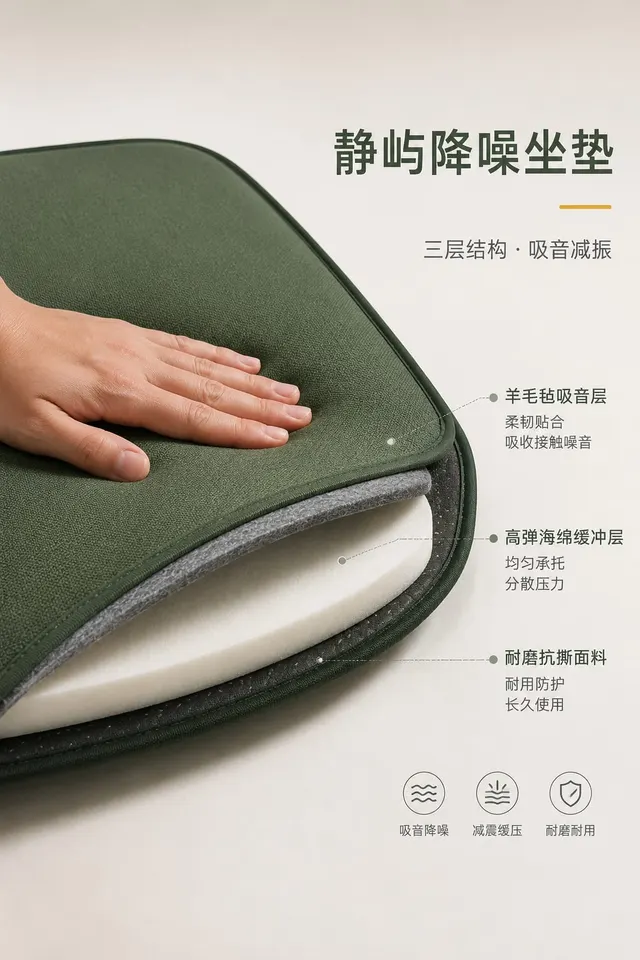
Product Photography
Complete one publication-ready “Jingyu Acoustic Seat Pad” image for showing purchase-relevant evidence for “Jingyu Acoustic Seat Pad” in re…
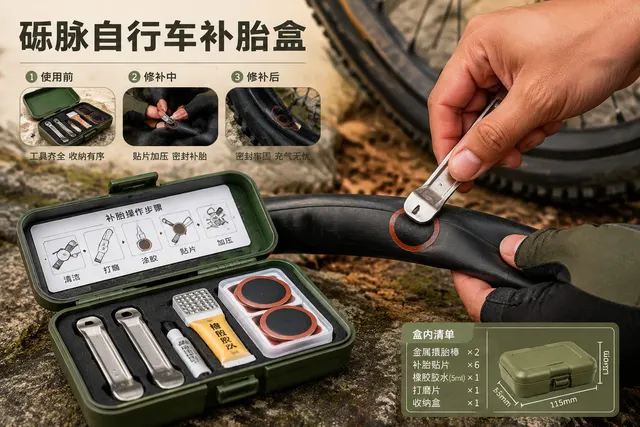
Product Photography
Translate showing purchase-relevant evidence for “Limai Bicycle Patch Box” in real use into one self-contained image titled “Limai Bicycle…
Product Photography
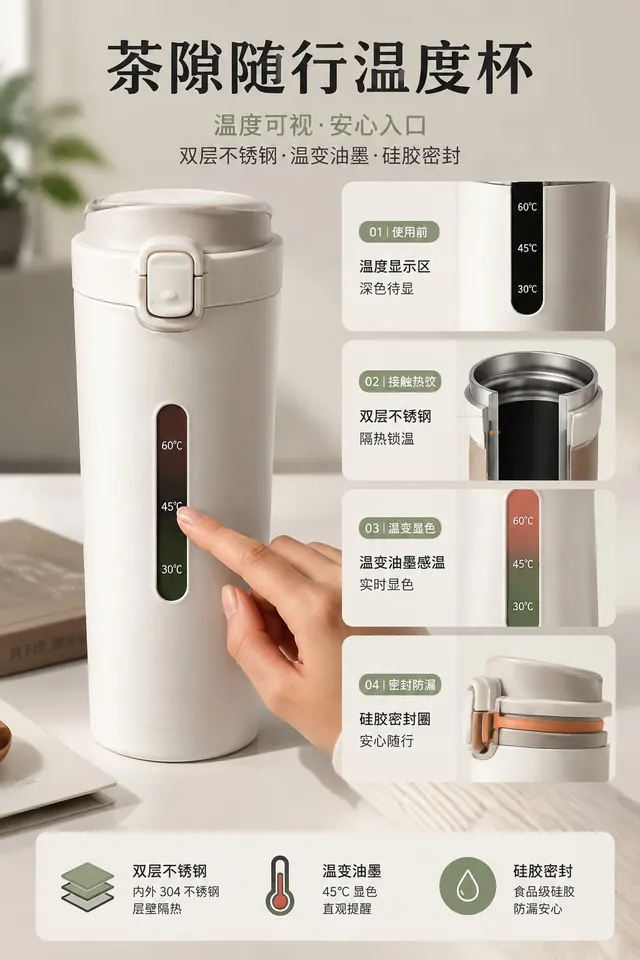
Design and generate “Chaxi Temperature Travel Cup,” explicitly intended for showing purchase-relevant evidence for “Chaxi Temperature Trave…
Product Photography
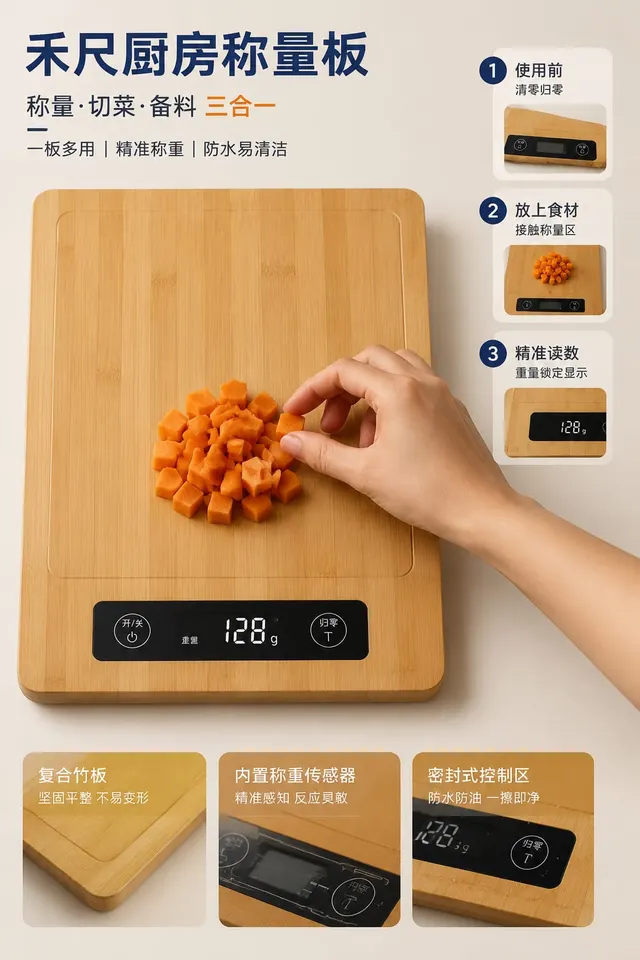
Create one plainly usable image titled “Hechi Kitchen Weighing Board” for showing purchase-relevant evidence for “Hechi Kitchen Weighing Bo…
Product Photography
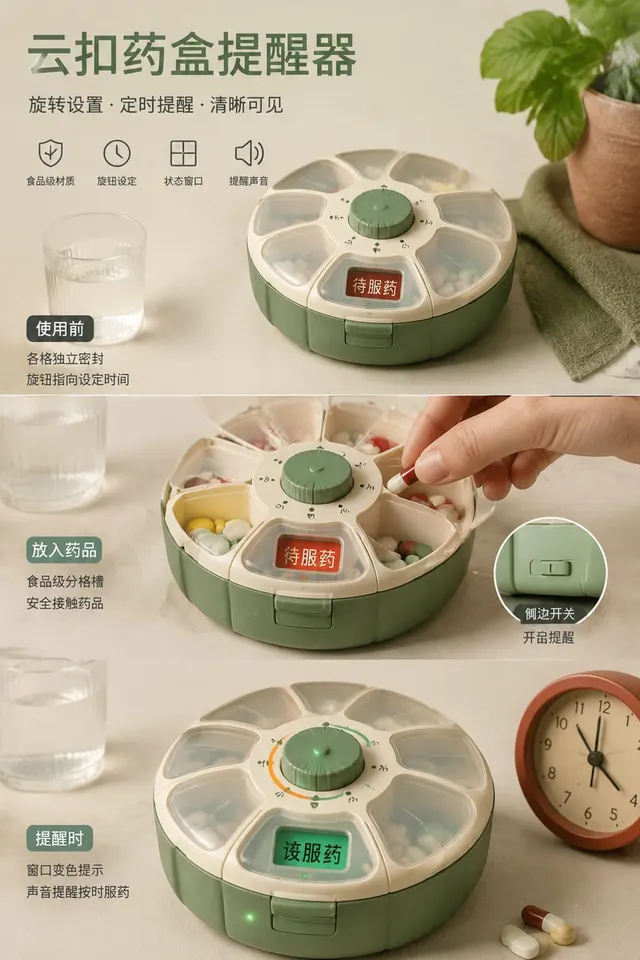
Plainly create “Yunkou Medicine Reminder” and communicate showing purchase-relevant evidence for “Yunkou Medicine Reminder” in real use wit…
Product Photography
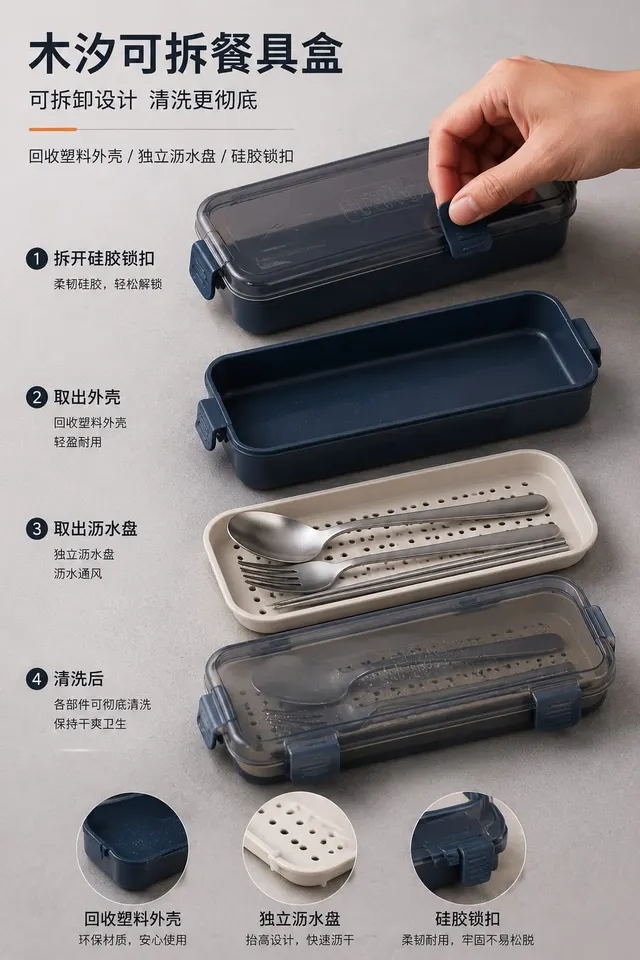
Produce a single finished image, “Muxi Detachable Cutlery Case,” so the viewer immediately understands showing purchase-relevant evidence f…
Product Photography
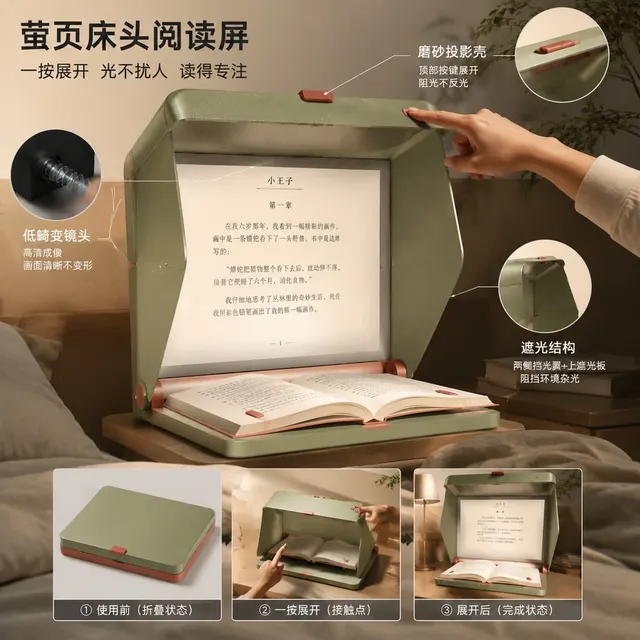
Generate a complete visual work titled “Yingye Bedside Reading Screen,” whose practical purpose is showing purchase-relevant evidence for “…
Product Photography
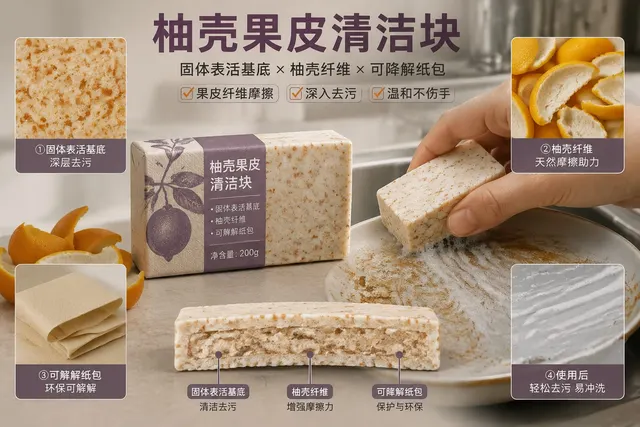
Create an independent “Youke Citrus Cleaning Bar” composition that concentrates on showing purchase-relevant evidence for “Youke Citrus Cle…
Product Photography
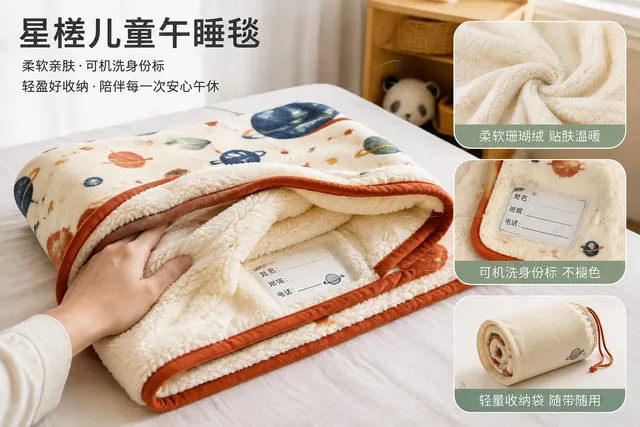
Directly create “Xingcha Children’s Nap Blanket” and communicate showing purchase-relevant evidence for “Xingcha Children’s Nap Blanket” in…
Product Photography
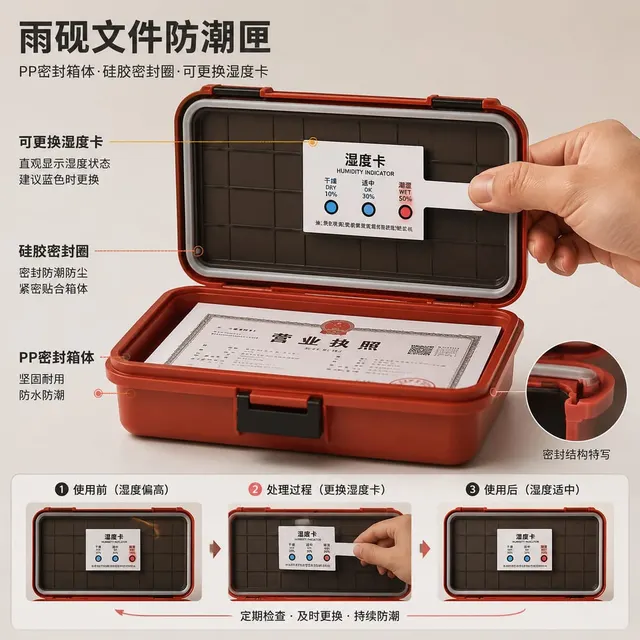
Complete one publication-ready “Yuyan Document Dry Box” image for showing purchase-relevant evidence for “Yuyan Document Dry Box” in real u…
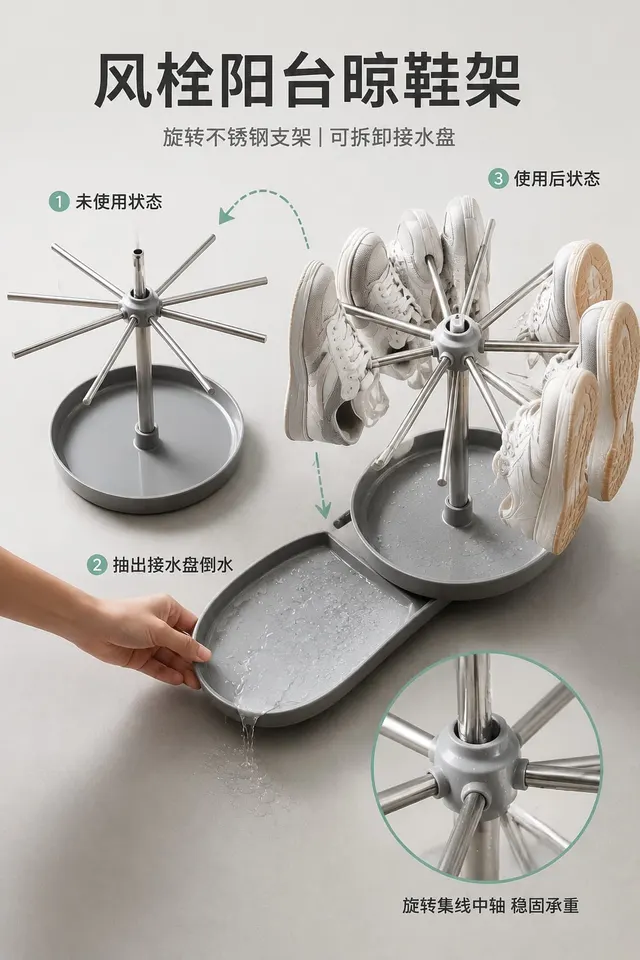
Product Photography
Build “Fengshuan Balcony Shoe Rack” around showing purchase-relevant evidence for “Fengshuan Balcony Shoe Rack” in real use, alongside a fi…
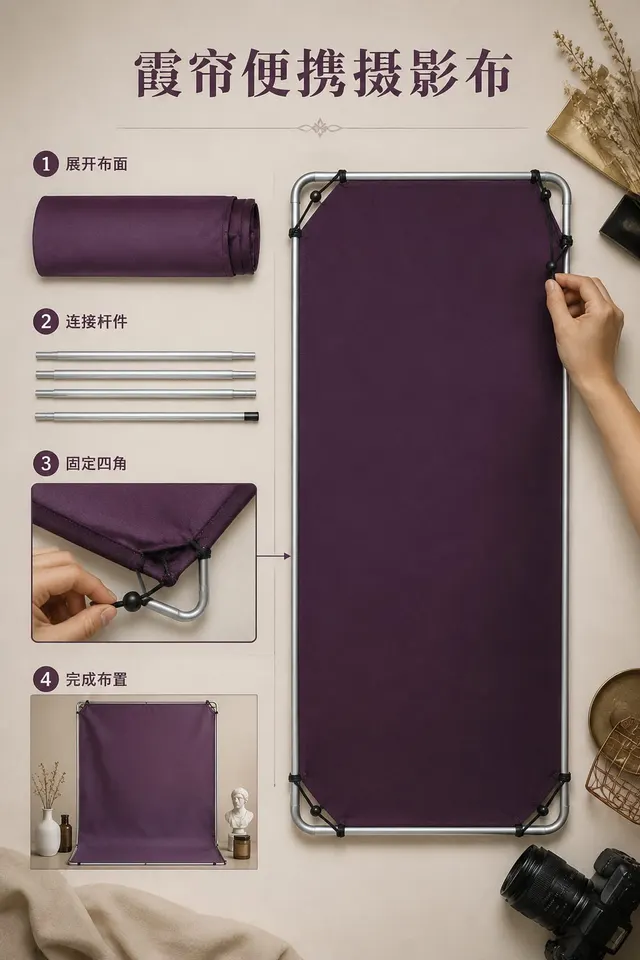
Product Photography
Create one plainly usable image titled “Xialian Portable Photo Backdrop” for showing purchase-relevant evidence for “Xialian Portable Photo…
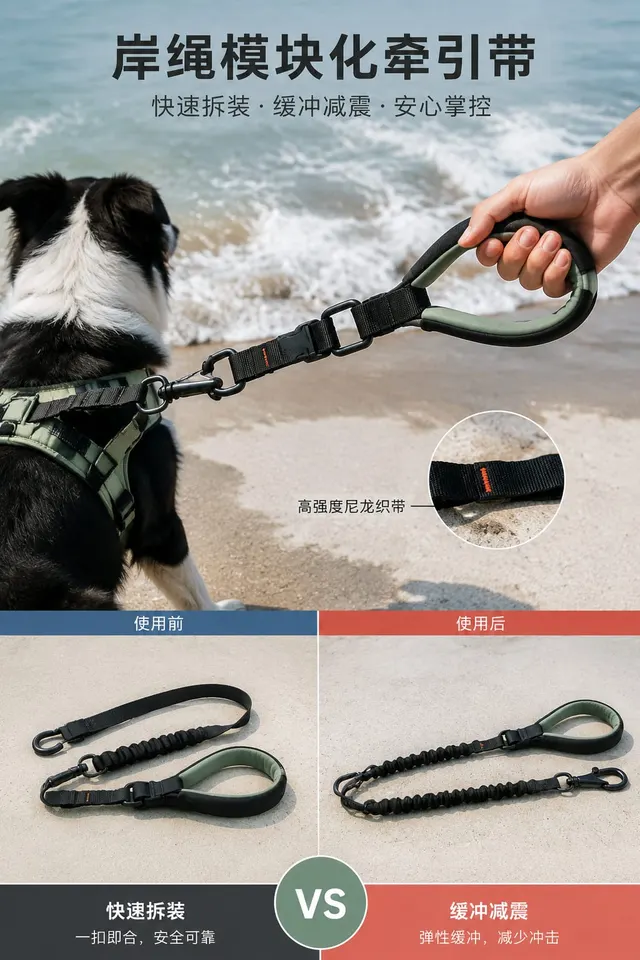
Product Photography
Build “Ansheng Modular Dog Lead” around showing purchase-relevant evidence for “Ansheng Modular Dog Lead” in real use, alongside a finish s…
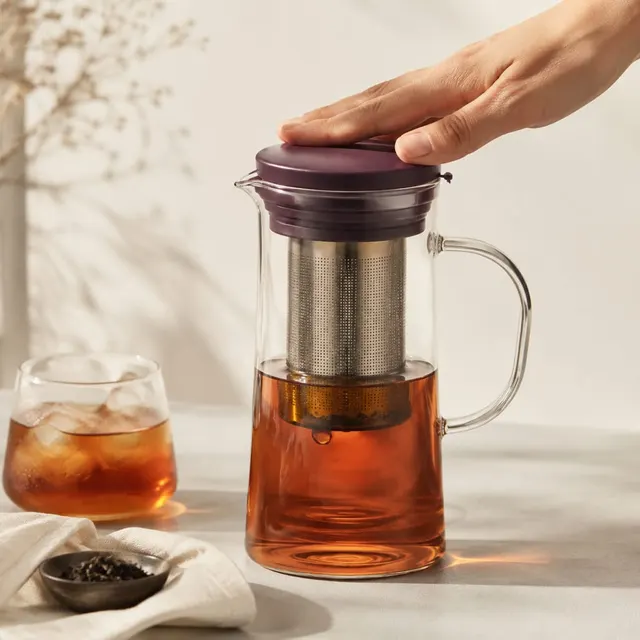
Product Photography
Generate a complete visual work titled “Yuecang Cold-Brew Carafe,” whose practical purpose is showing purchase-relevant evidence for “Yueca…
Product Photography
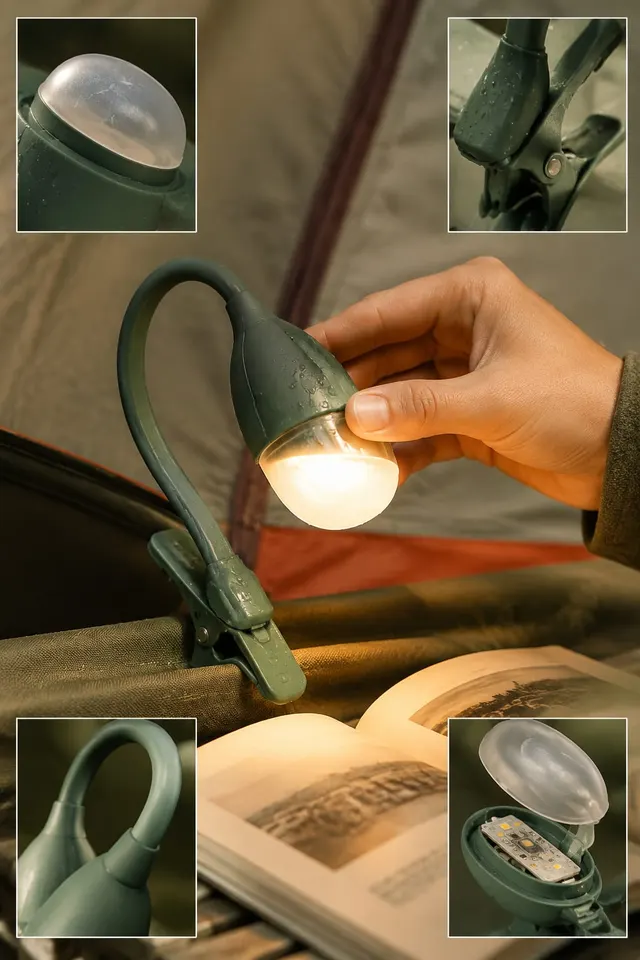
Produce a single finished image, “Xiye Waterproof Reading Light,” so the viewer immediately understands showing purchase-relevant evidence…
Product Photography
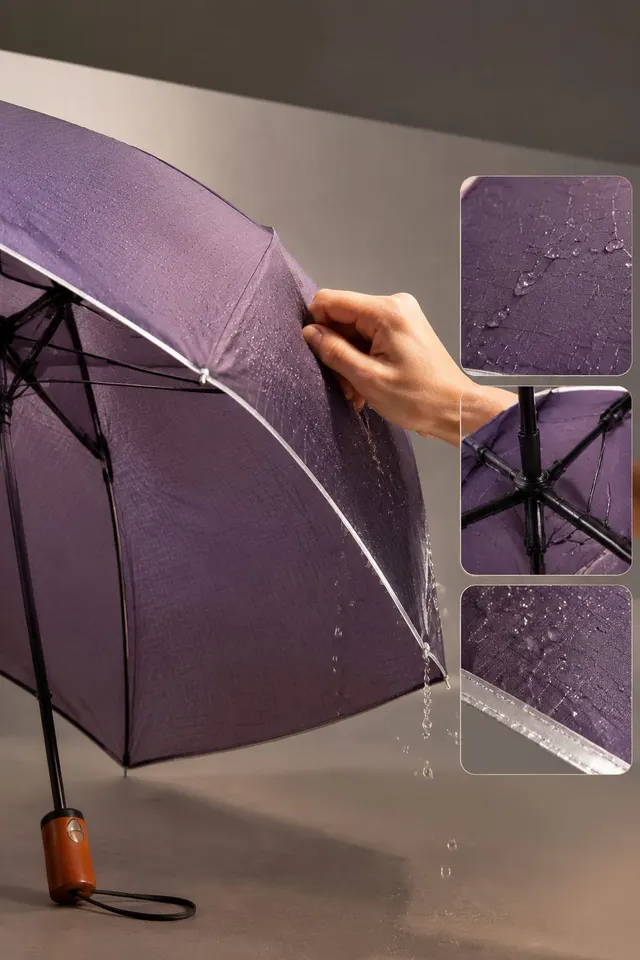
Output one “Muzhen Reflective Umbrella” image that makes showing purchase-relevant evidence for “Muzhen Reflective Umbrella” in real use un…
Product Photography
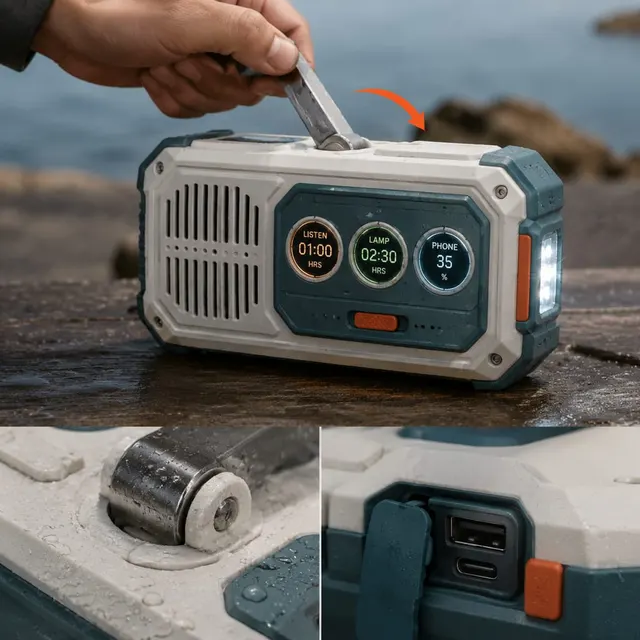
Make one highly finished “Guxiang Hand-Crank Radio” image centered on showing purchase-relevant evidence for “Guxiang Hand-Crank Radio” in…
Product Photography
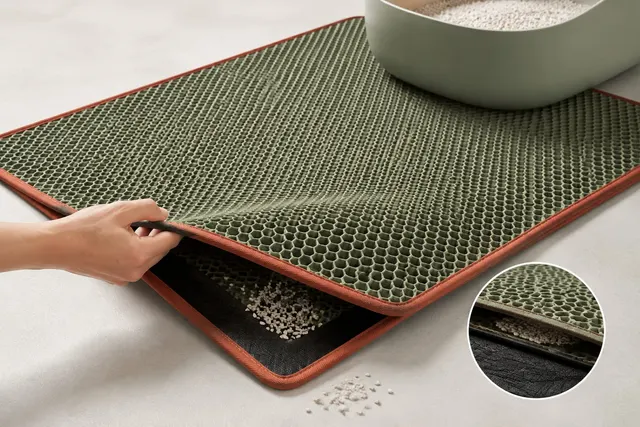
Design and generate “Taijing Cat-Litter Mat,” explicitly intended for showing purchase-relevant evidence for “Taijing Cat-Litter Mat” in re…
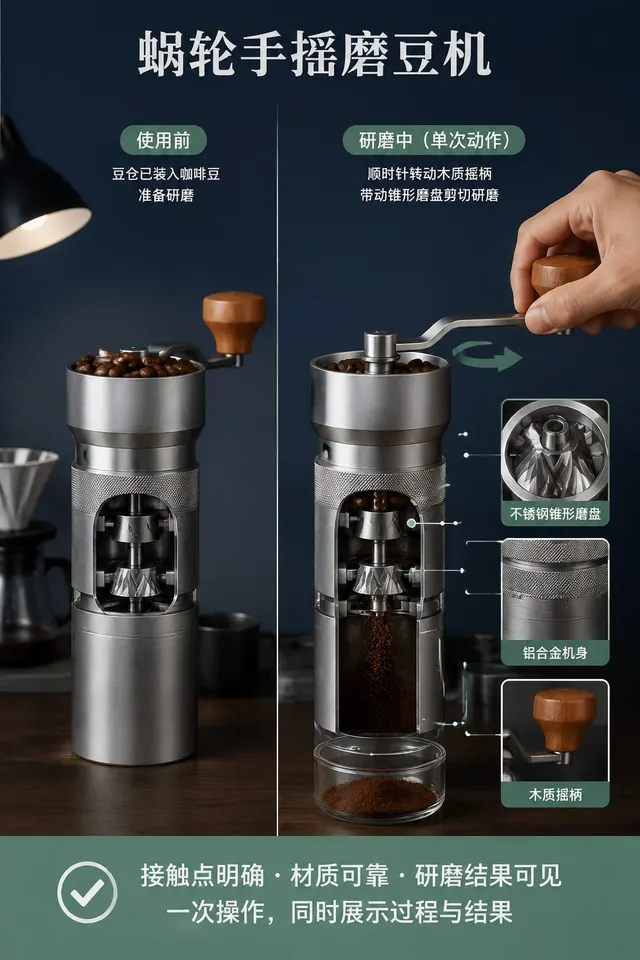
Product Photography
Generate a complete visual work titled “Wolun Hand-Crank Coffee Mill,” whose practical purpose is showing purchase-relevant evidence for “W…
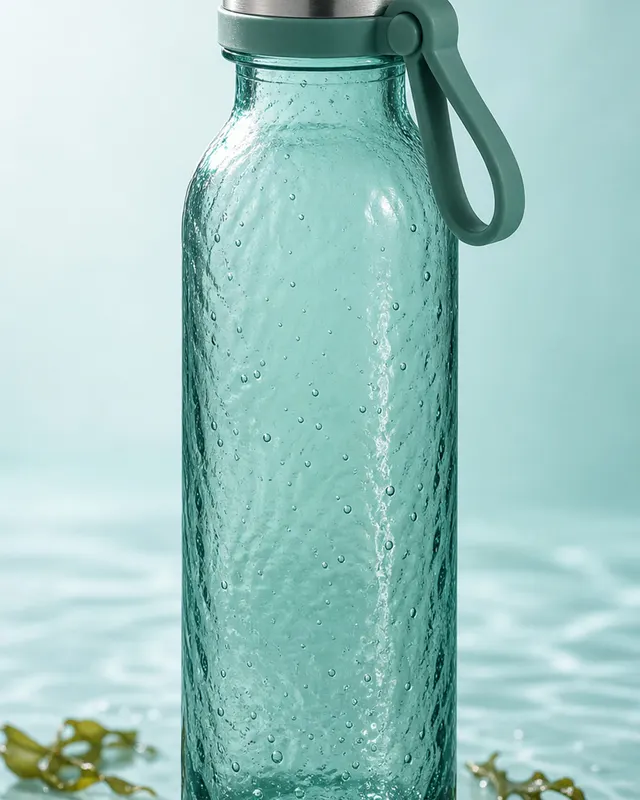
Product Photography
Create a 4:5 vertical original case image titled "Teal Seaweed Glass Bottle". The scene should depict: teal seaweed glass bottle in a conte…
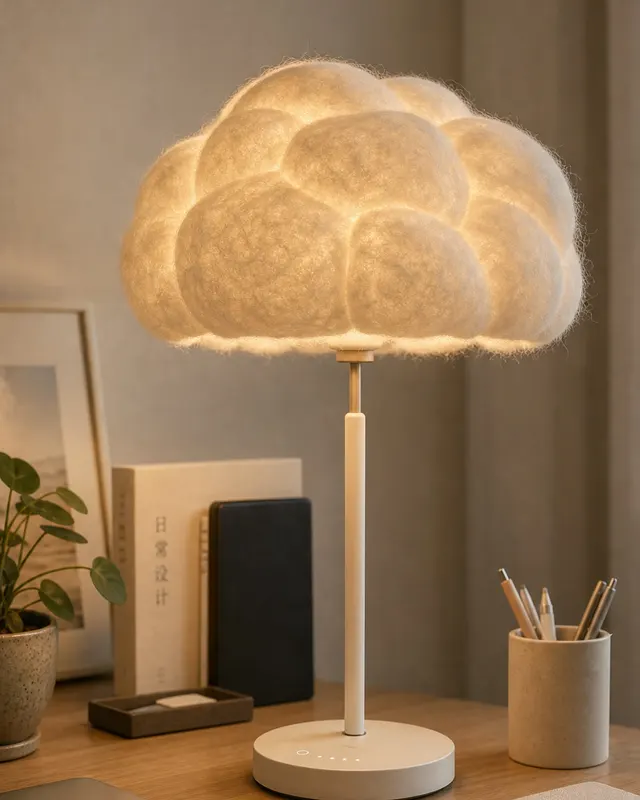
Product Photography
Create a 4:5 vertical original case image titled "Puffy Fabric Smart Lamp". The scene should depict: puffy fabric smart lamp in a contempor…
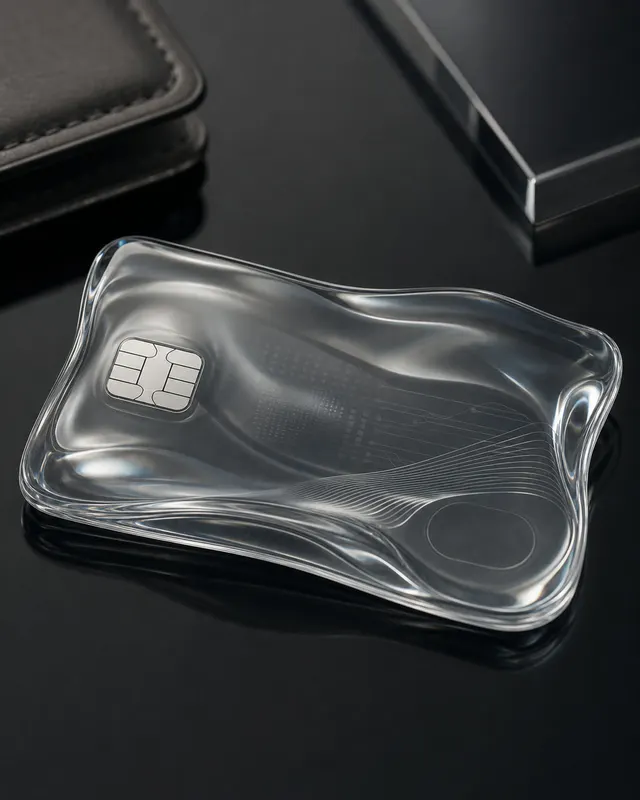
Product Photography
Create a 4:5 vertical original case image titled "Liquid Glass Wallet Card". The scene should depict: liquid glass wallet card in a contemp…
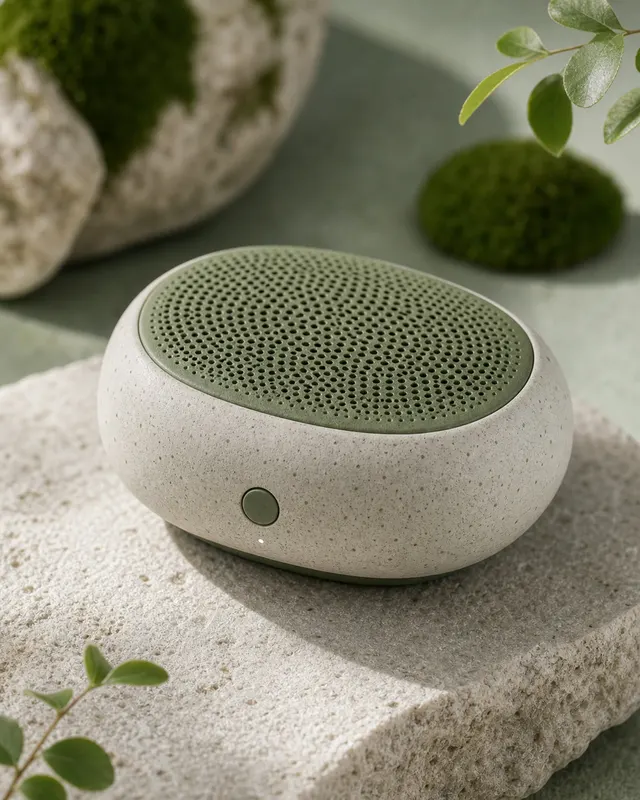
Product Photography
Create a 4:5 vertical original case image titled "Pebble Ceramic Speaker". The scene should depict: pebble ceramic speaker in a contemporar…
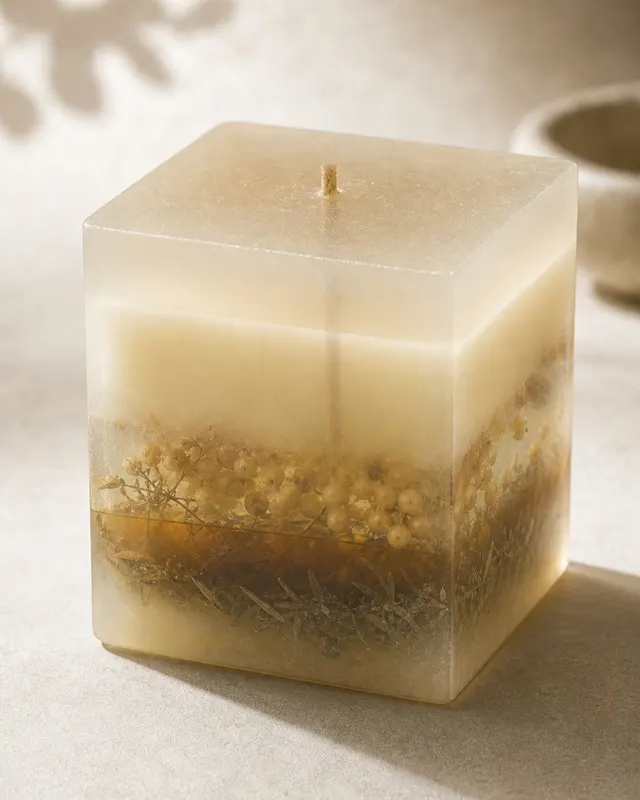
Product Photography
Create a 4:5 vertical original case image titled "Translucent Soy Candle Packaging". The scene should depict: translucent soy candle packag…
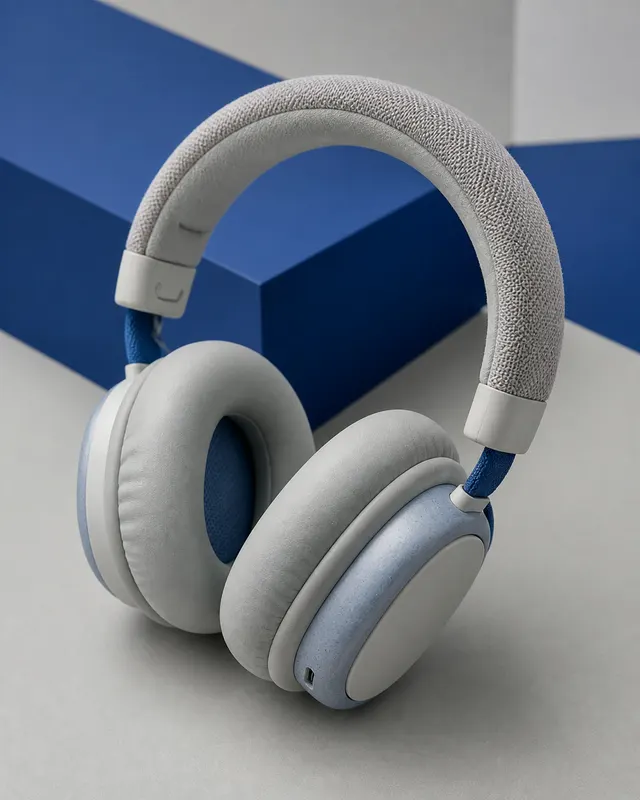
Product Photography
Create a 4:5 vertical original case image titled "Soft Rubber Headphones". The scene should depict: soft rubber headphones in a contemporar…
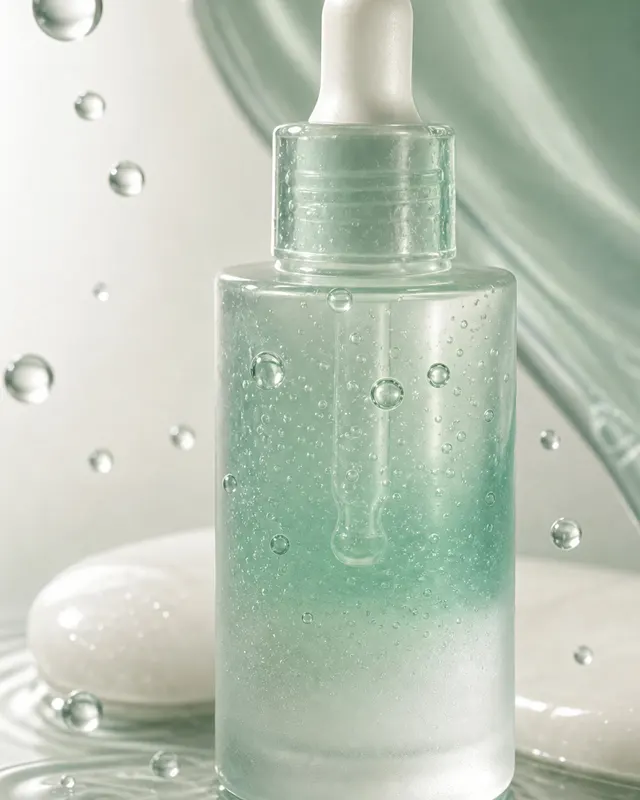
Product Photography
Create a 4:5 vertical original case image titled "Gelatinous Skincare Serum Bottle". The scene should depict: gelatinous skincare serum bot…
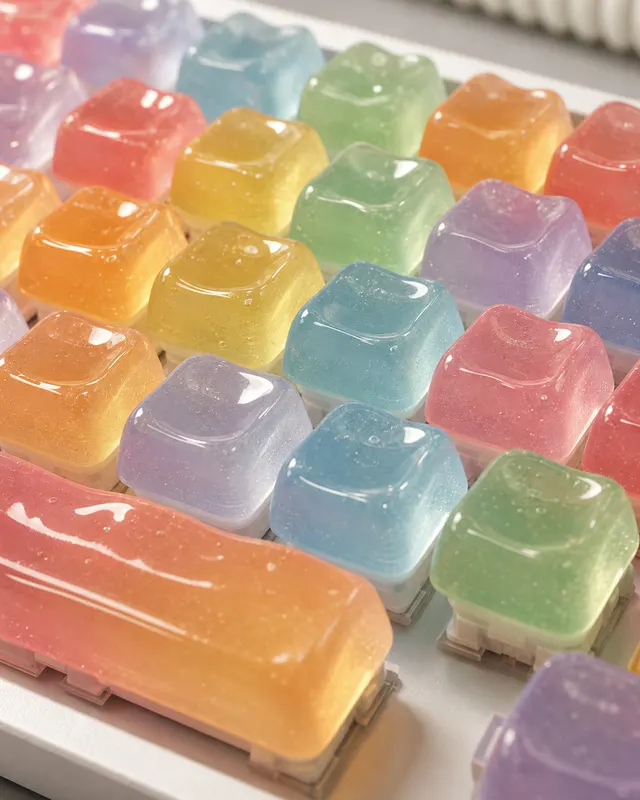
Product Photography
Create a 4:5 vertical original case image titled "Squishy Candy Keyboard Keycaps". The scene should depict: squishy candy keyboard keycaps…
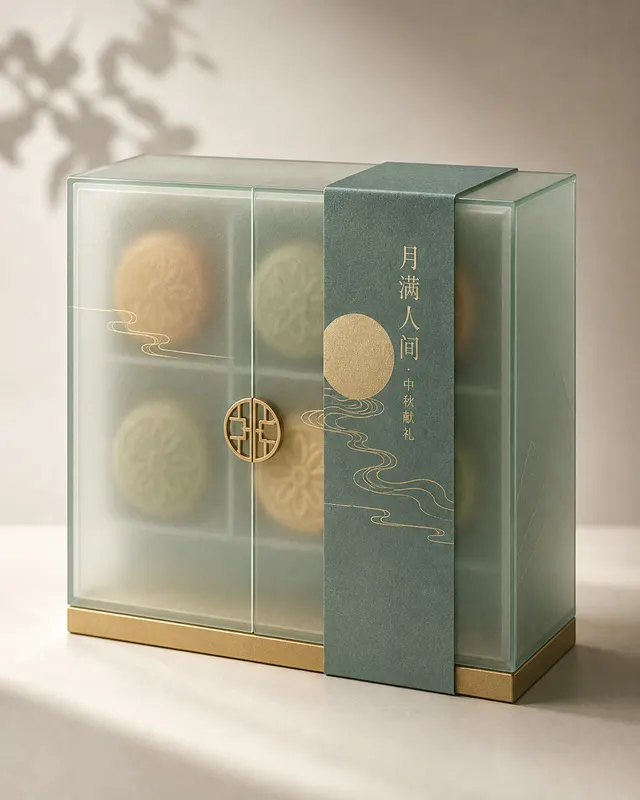
Product Photography
Create a 4:5 vertical original case image titled "Frosted Glass Mooncake Gift Box". The scene should depict: frosted glass mooncake gift bo…
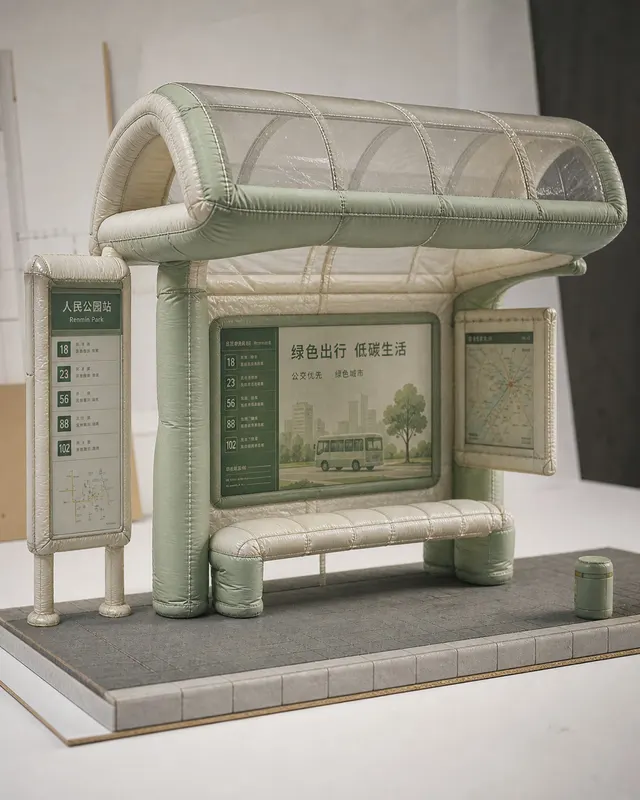
Product Photography
Create a 4:5 vertical original case image titled "Inflatable Fabric Bus Stop Model". The scene should depict: inflatable fabric bus stop mo…
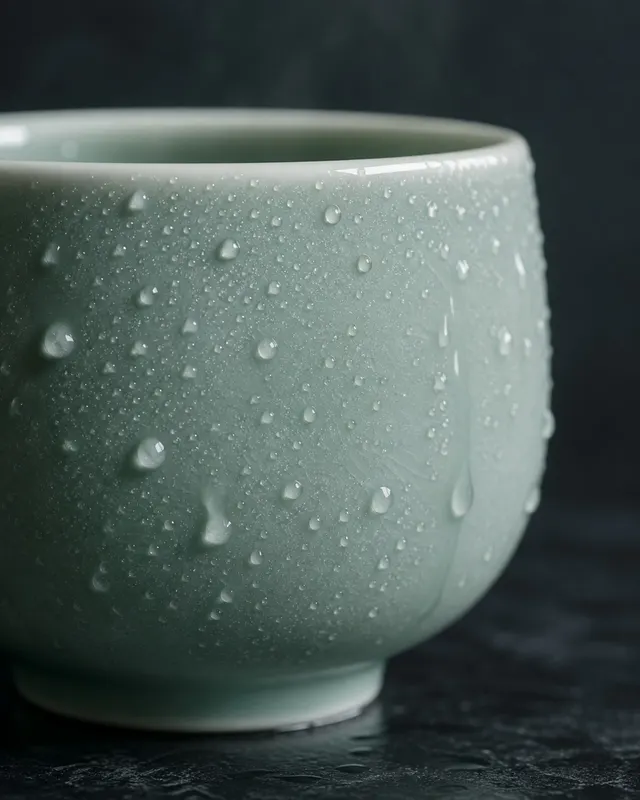
Product Photography
Create a 4:5 vertical original case image titled "Waxed Celadon Cup Waterdrop Macro". The scene should depict: waxed celadon cup waterdrop…
Product Photography
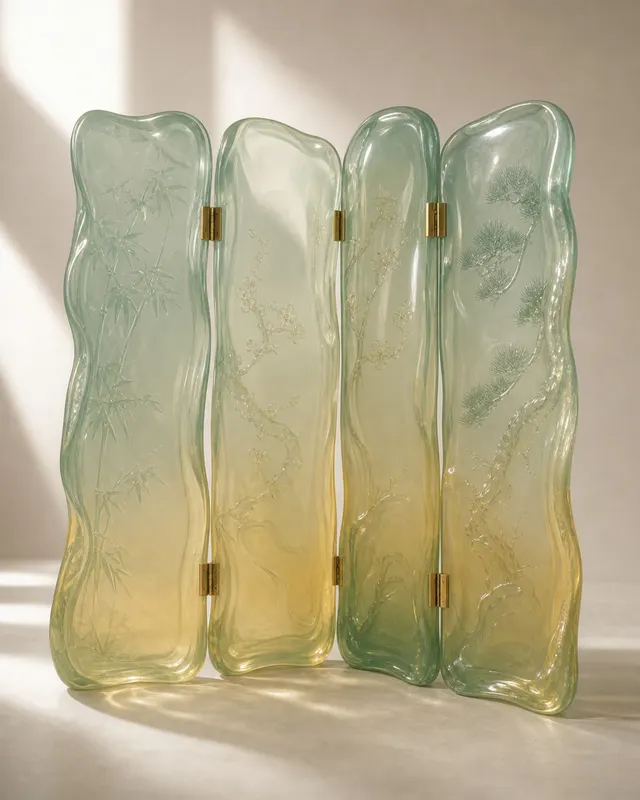
Create a 4:5 vertical original case image titled "Jelly-Soft Chinese Folding Screen". The scene should depict: jelly-soft chinese folding s…
Product Photography
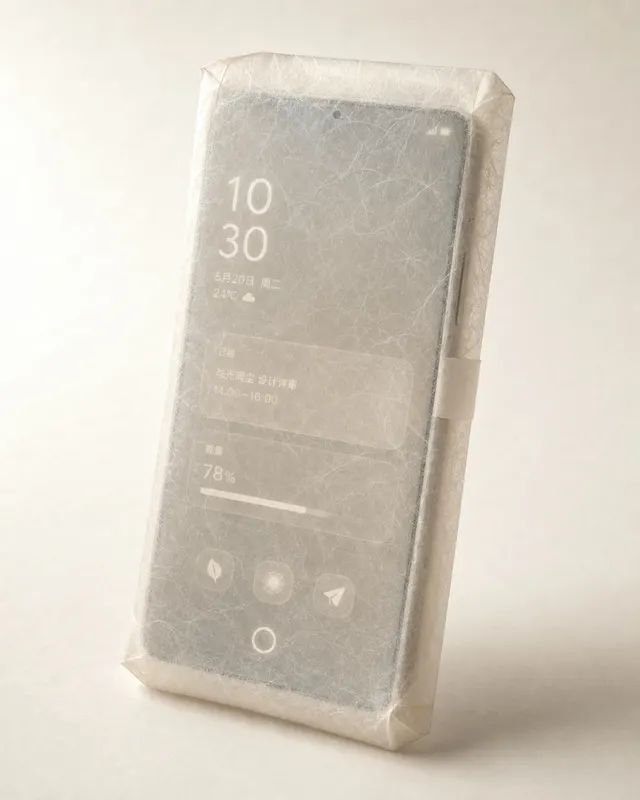
Create a 4:5 vertical original case image titled "Translucent Rice-Paper Future Phone". The scene should depict: translucent rice-paper fut…
Product Photography
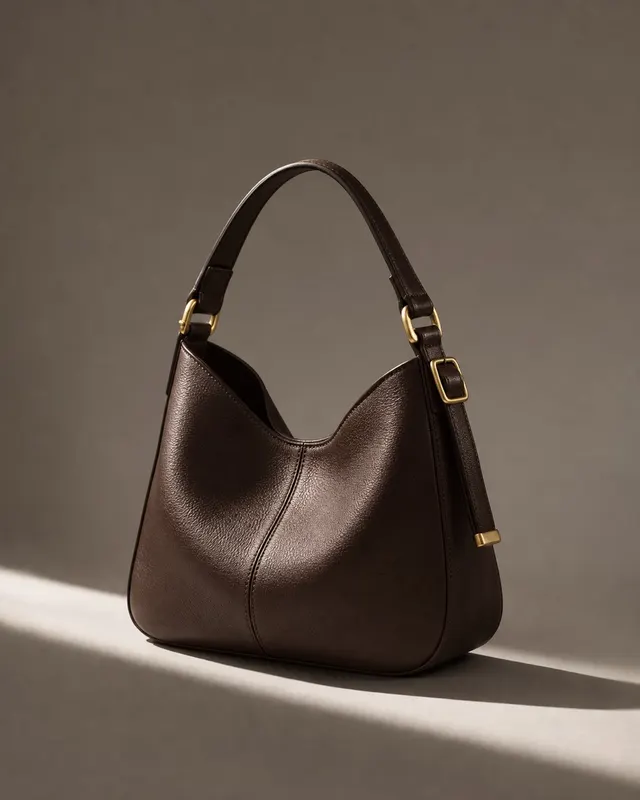
An editorial-style product photograph of a structured tote handbag rendered in deep oxblood pebbled leather, with antique brass hardware an…
Product Photography
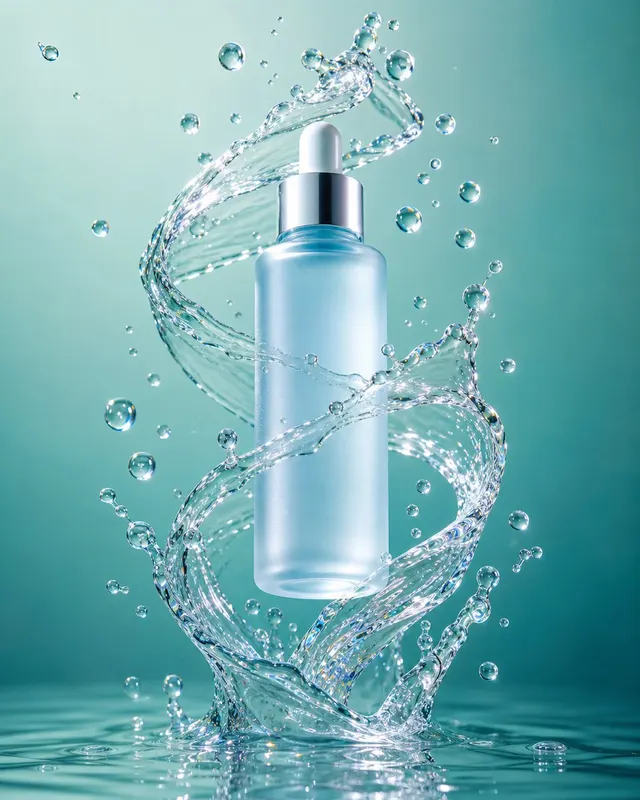
A crisp commercial product photograph of a frosted glacier-blue glass serum bottle frozen mid-air inside a sculpted splash of clear water.…
Product Photography
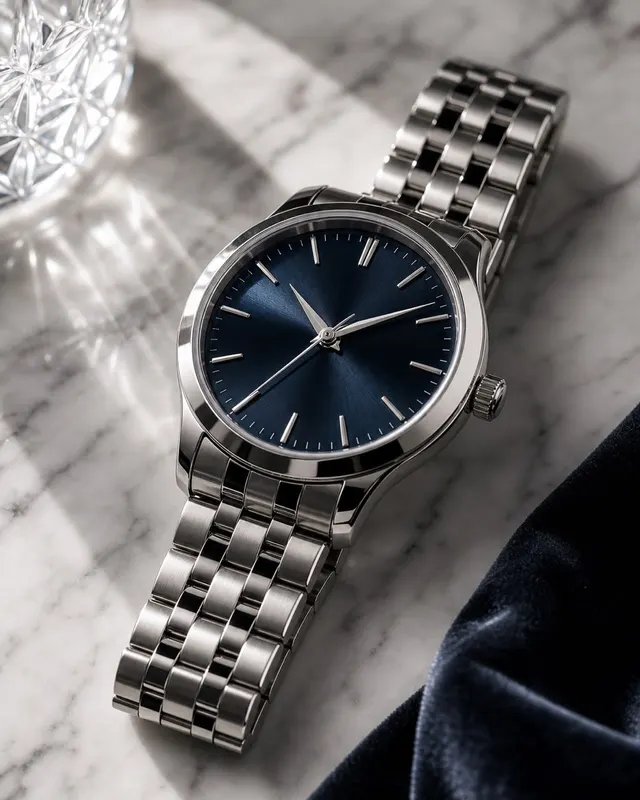
A high-end product photograph of an unbranded mechanical wristwatch resting at a slight tilt on a slab of warm Calacatta marble. The watch…
Product Photography
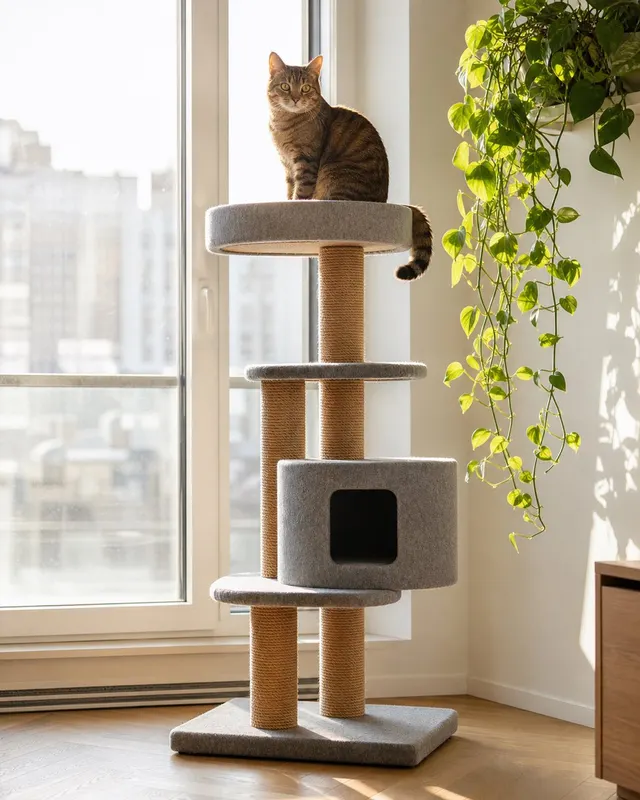
A product lifestyle photograph of a modern minimalist cat tree — natural sisal-wrapped posts, three platforms covered in warm grey felt, an…
Product Photography
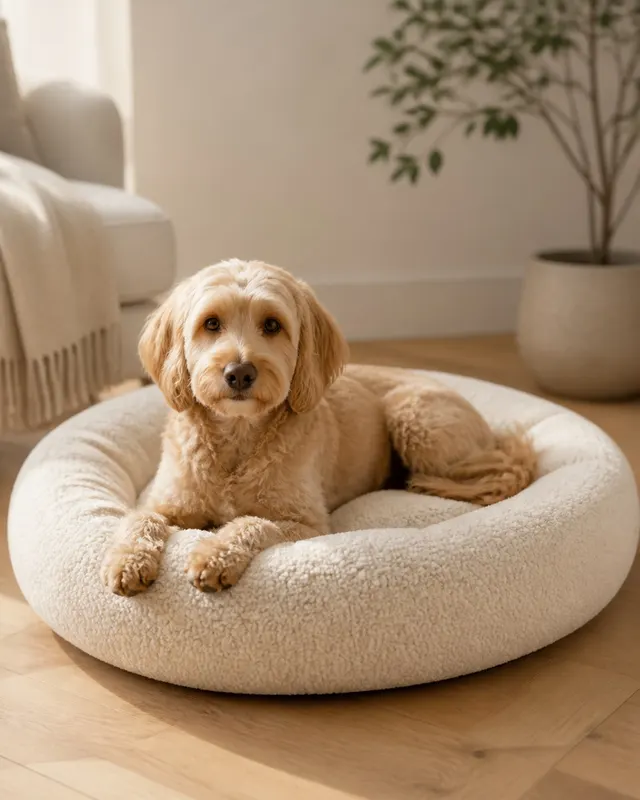
A lifestyle product photograph of a medium-sized golden retriever puppy curled contentedly inside a round bolster pet bed with high padded…
Product Photography
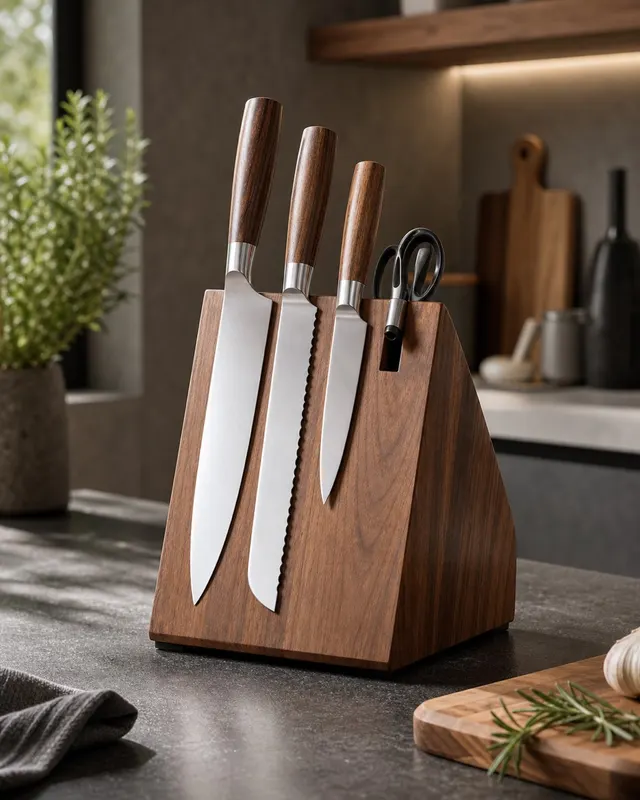
A precision product photograph of a magnetic knife block made from solid white oak, holding a set of five professional kitchen knives. The…
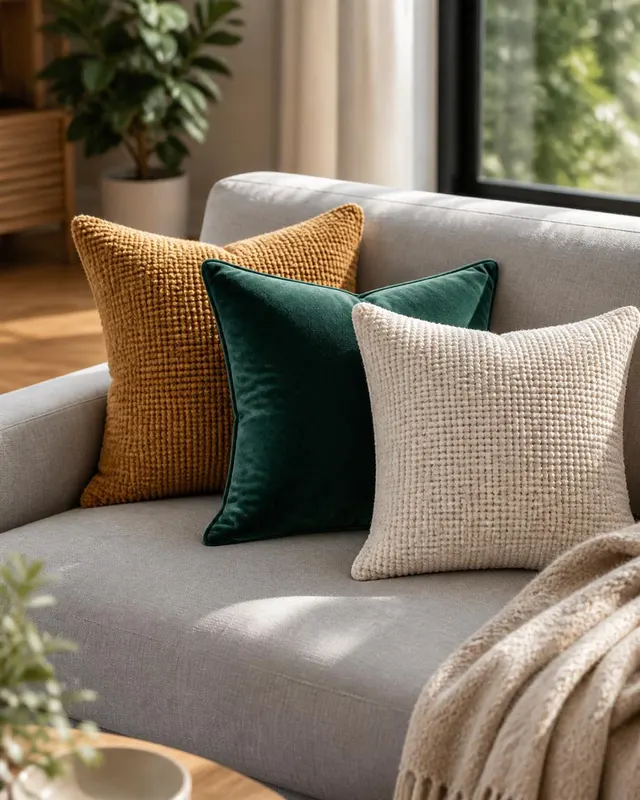
Product Photography
A lifestyle product photograph of three coordinating throw pillows arranged naturally on a curved sage-linen sofa. The hero pillow — square…
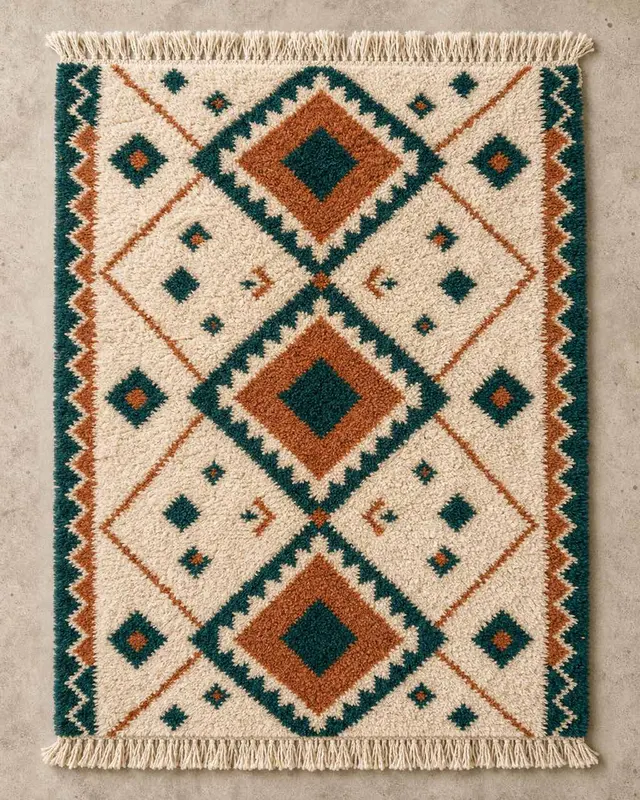
Product Photography
A perfectly overhead product photograph of a large hand-knotted wool area rug laid flat on a light concrete floor, filling most of the fram…
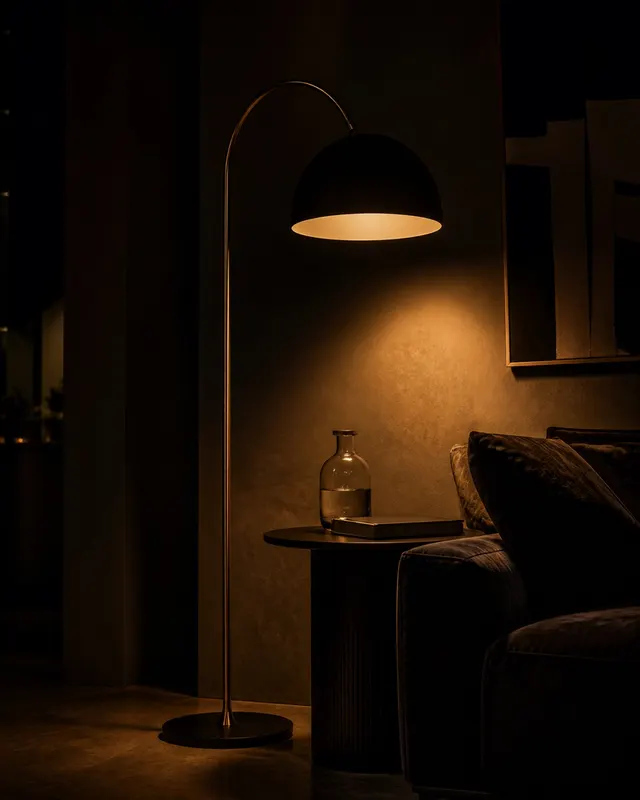
Product Photography
A dramatic nighttime interior product photograph of a sculptural floor lamp with a thin hand-bent brass stem and a large matte black dome s…
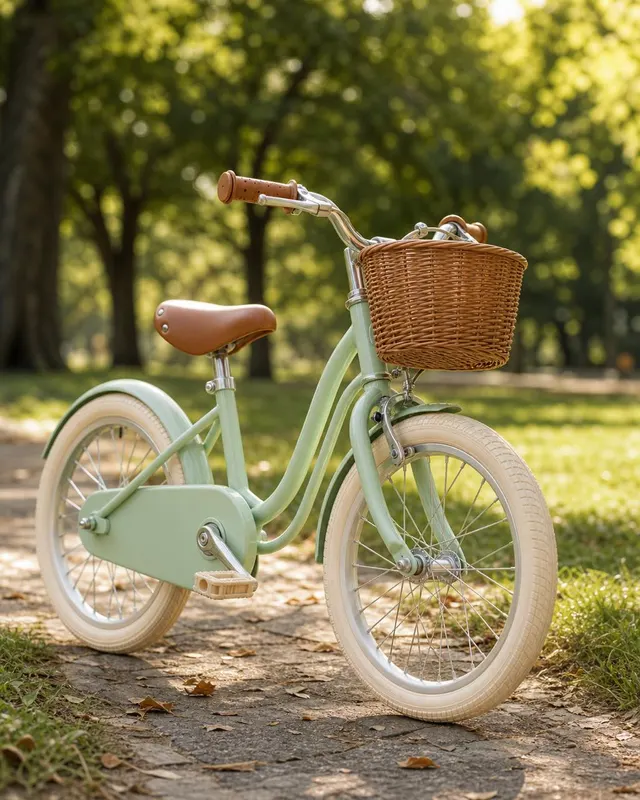
Product Photography
A lifestyle product photograph of a children's 16-inch balance bicycle — powder-coat red frame, white puncture-proof foam tyres, and a wove…
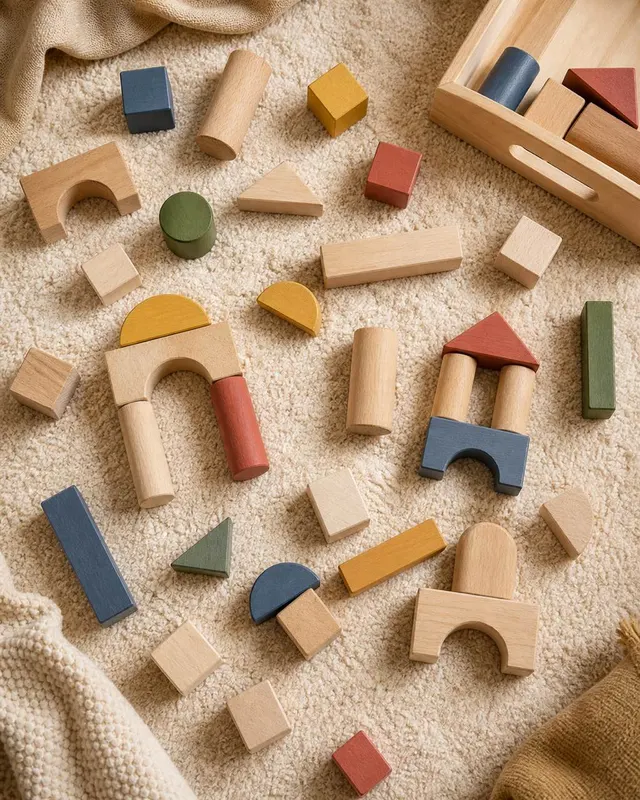
Product Photography
A top-down flat-lay product photograph of a set of 24 natural wood building blocks scattered and partially stacked on a clean white paper s…
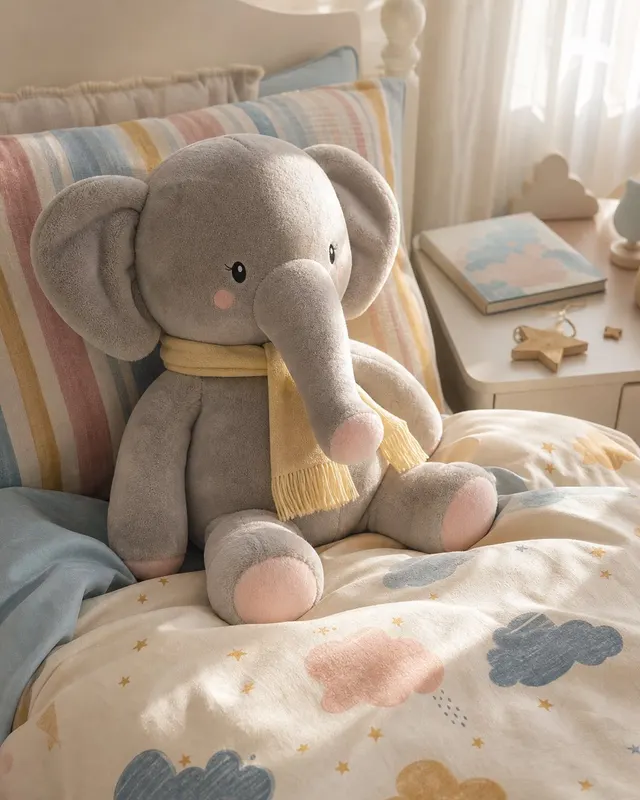
Product Photography
A lifestyle product photograph of a large plush elephant toy — soft grey velboa with embroidered eyes, a rosy-blush snout, and a pale yello…
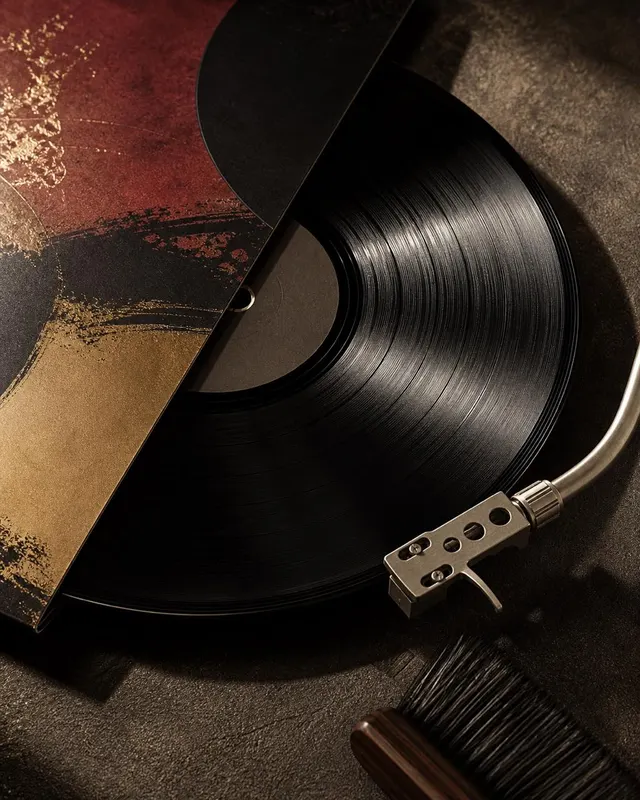
Product Photography
A moody product photograph of a 12-inch vinyl record partially removed from its sleeve, resting on a worn leather ottoman. The record's gro…
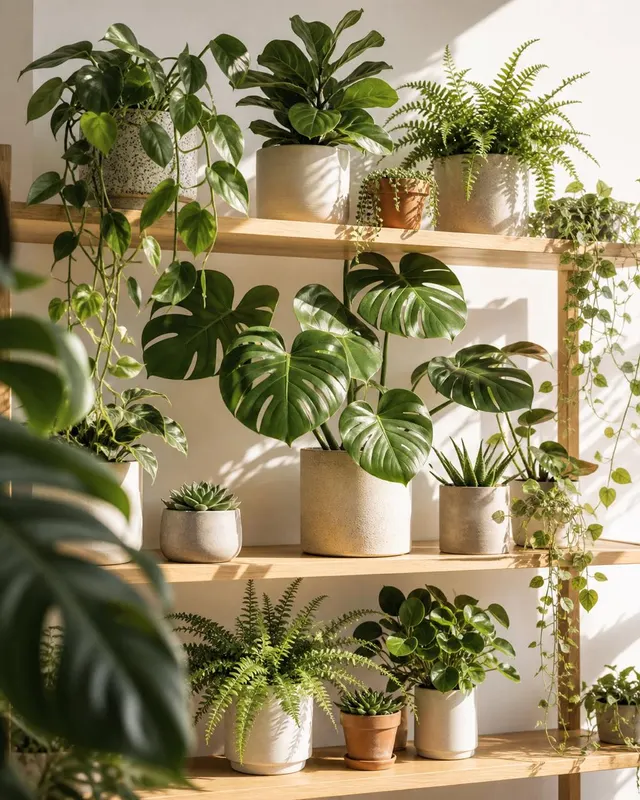
Product Photography
A styled product flat-lay or shelf arrangement photograph featuring six potted indoor plants on a floating white oak shelf mounted against…
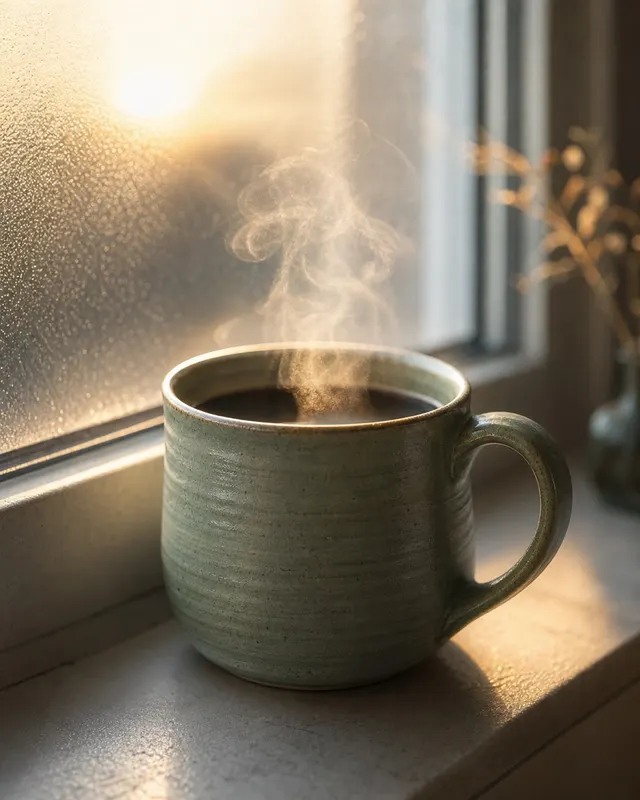
Product Photography
A product-style editorial photograph of a handmade stoneware mug filled with black coffee, set on a windowsill at dawn. The mug has a matte…
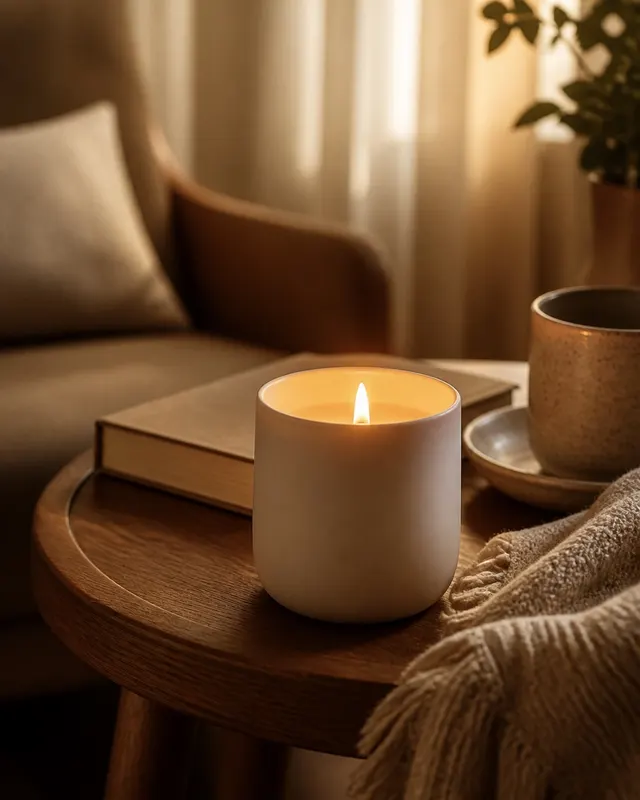
Product Photography
A close-up product photograph of a hand-poured soy wax candle in a frosted amber glass vessel, placed on a reclaimed oak side table beside…
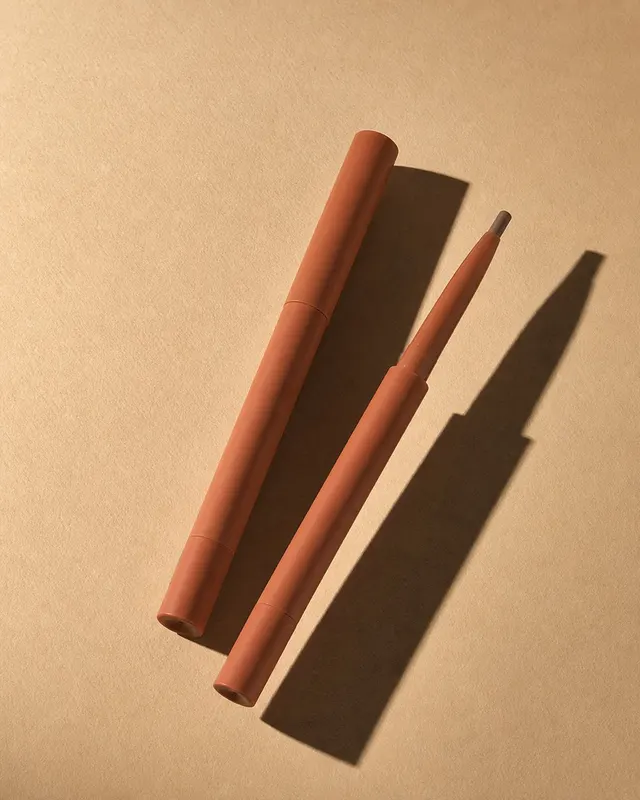
Product Photography
A bold graphic product photograph of two slim contour stick twist-up pencils placed parallel at an angle on a warm sand-toned surface, one…
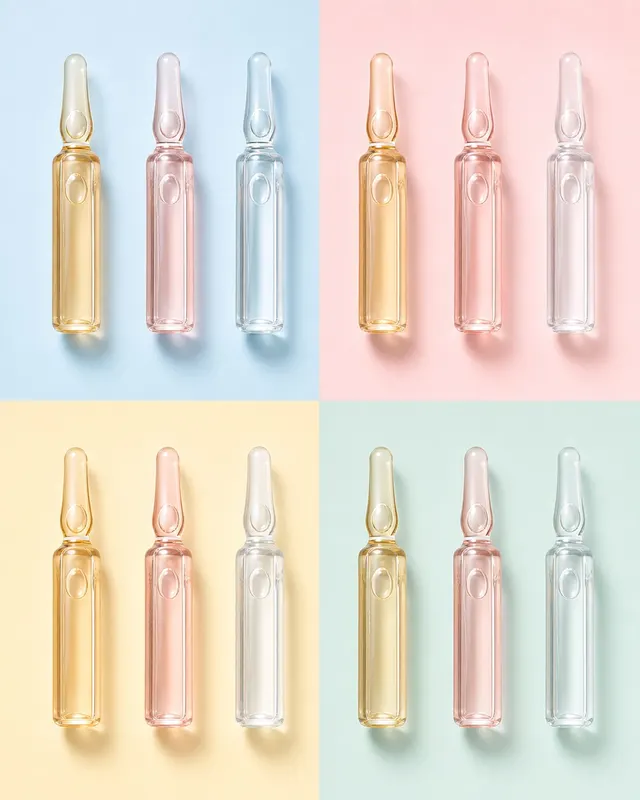
Product Photography
A graphic flat-lay product photograph of nine identical glass ampoule vials arranged in a perfect 3x3 grid on a mint-green pastel surface.…
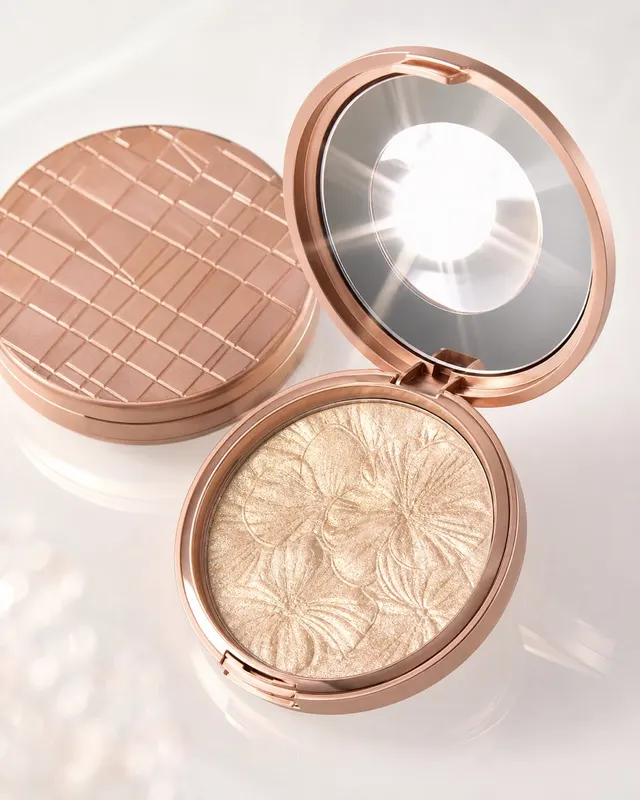
Product Photography
A precisely composed product photograph of an open round compact powder case angled so its internal mirror reflects the overhead studio lig…
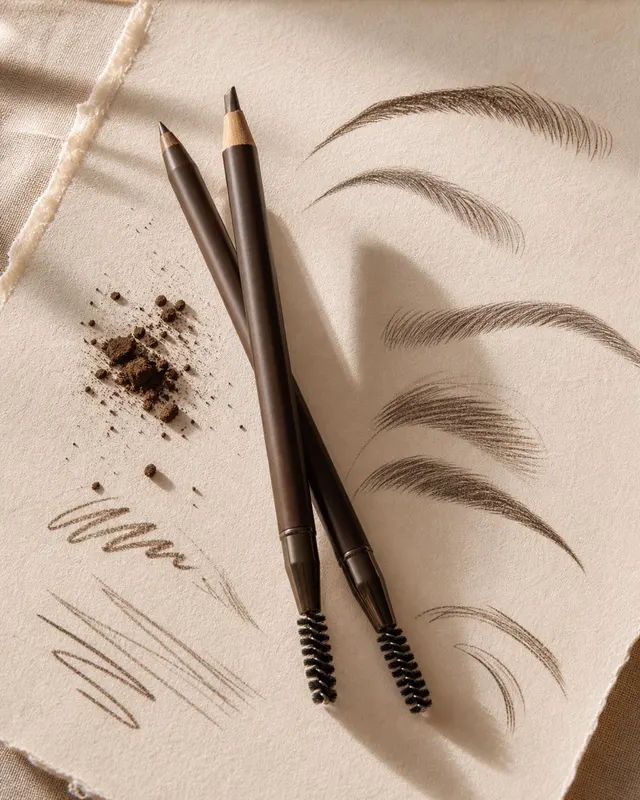
Product Photography
A playfully conceptual product photograph of a retractable eyebrow pencil propped at a 45-degree angle on a sheet of off-white textured wat…
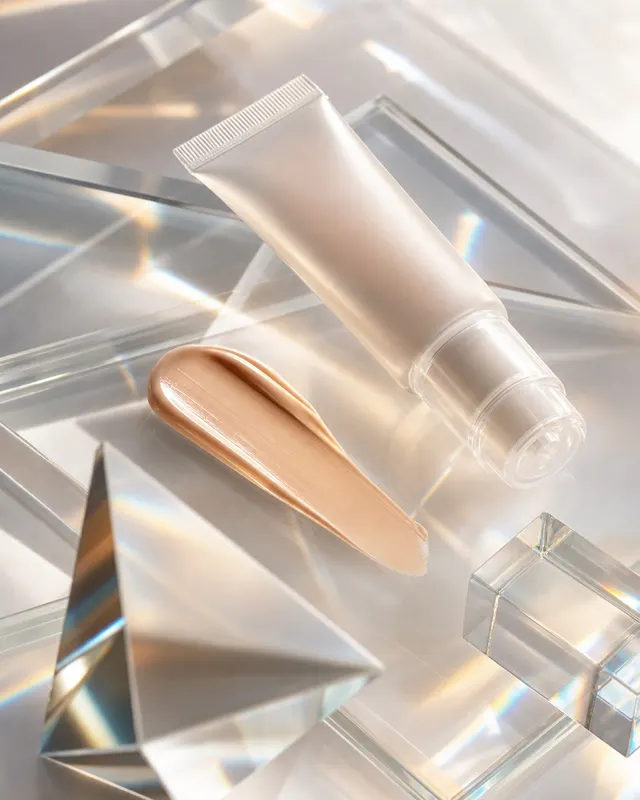
Product Photography
A conceptual product photograph of a clear cylindrical glass tube of tinted moisturiser resting horizontally on a glass shelf over a printe…
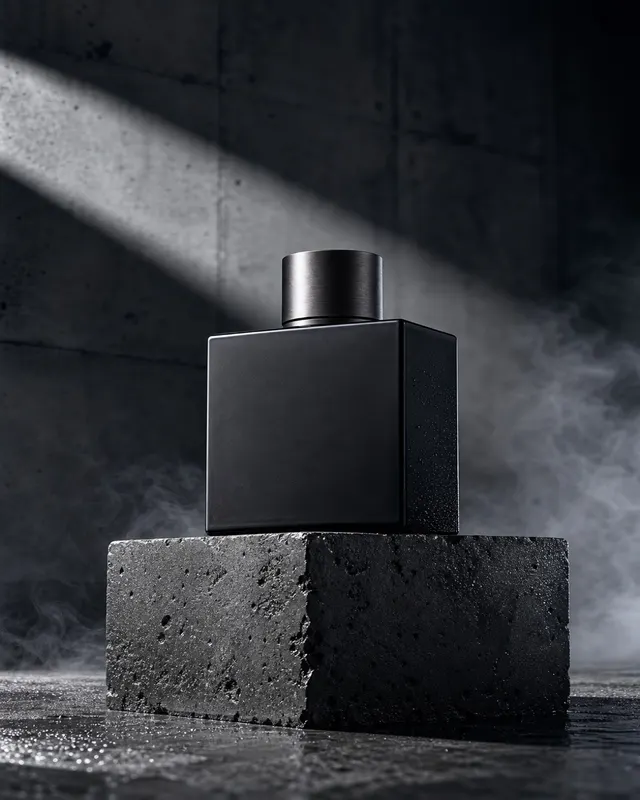
Product Photography
A stark editorial product photograph of a squat rectangular men's cologne bottle positioned on a rough cast-concrete plinth with visible fo…
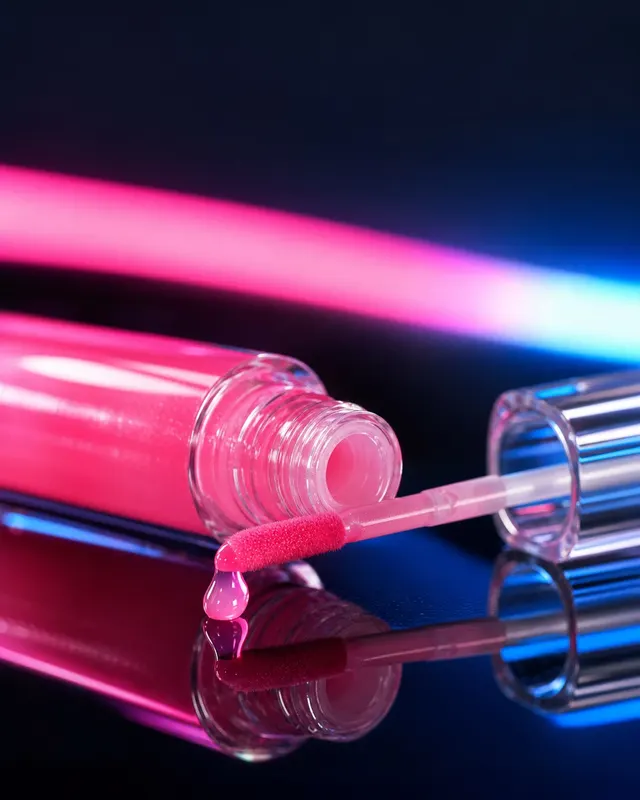
Product Photography
A bold pop-editorial product photograph of a lip gloss wand held vertically against a flat saturated hot-pink background. Shot with a 50mm…
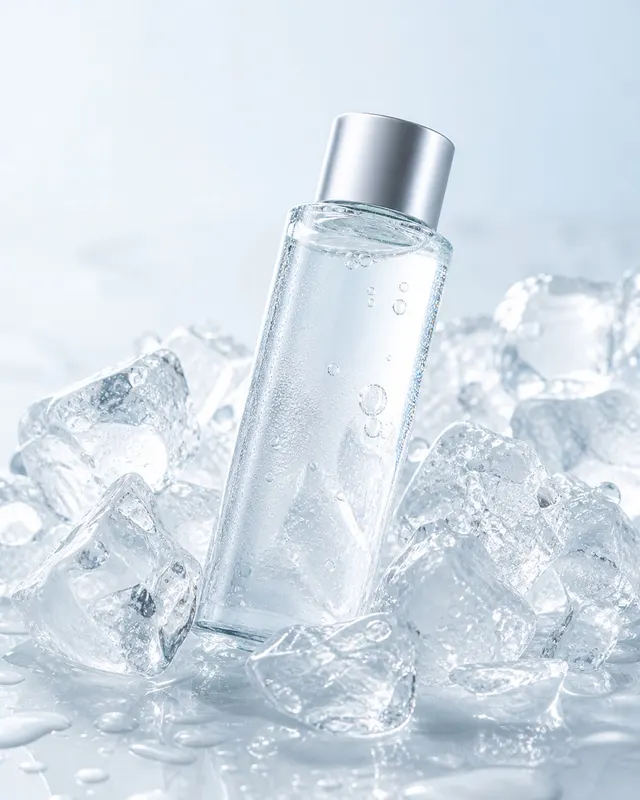
Product Photography
A refreshingly styled product photograph of a tall slim cylindrical micellar water bottle standing upright in a shallow tray packed with cl…
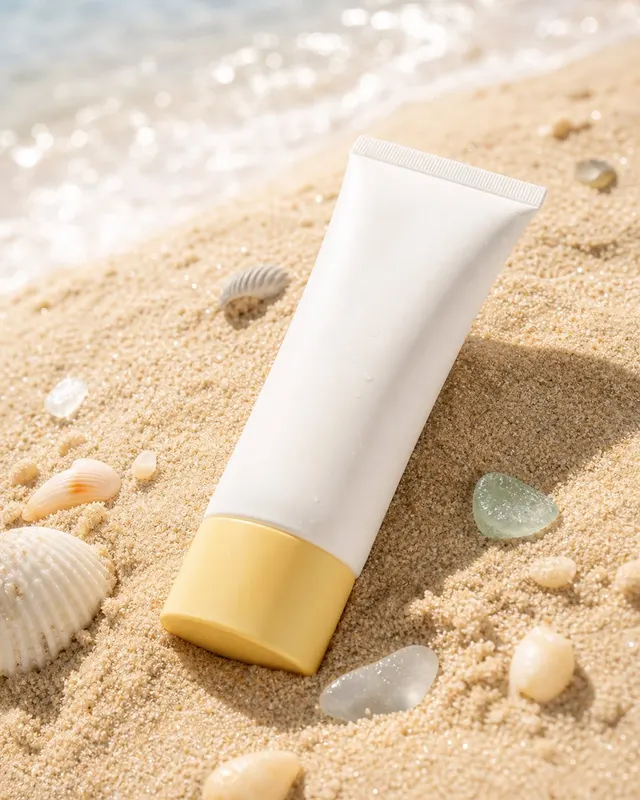
Product Photography
A lifestyle-meets-product photograph of a squeeze tube of sunscreen lying on its side on fine white tropical beach sand, partially buried a…
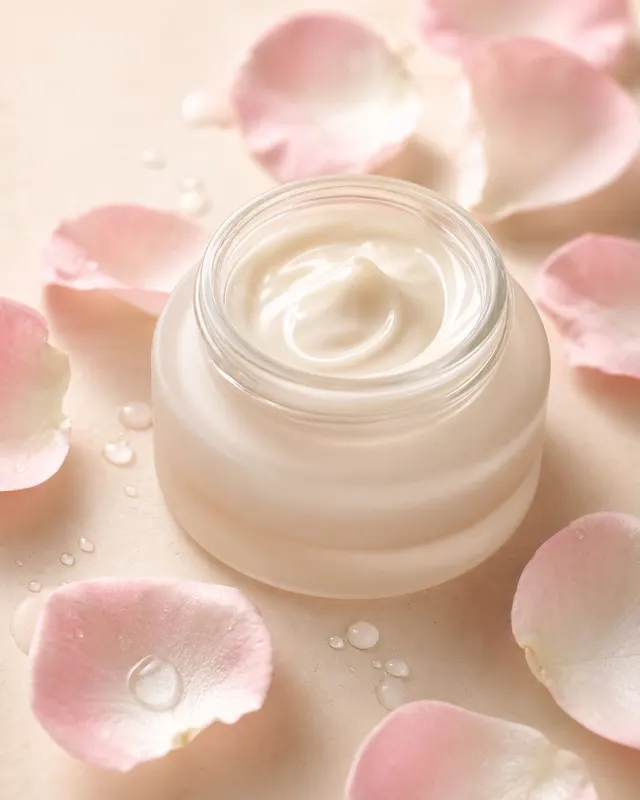
Product Photography
A softly lit editorial product photograph of a low cylindrical face cream jar with its lid propped beside it, placed at the centre of a com…
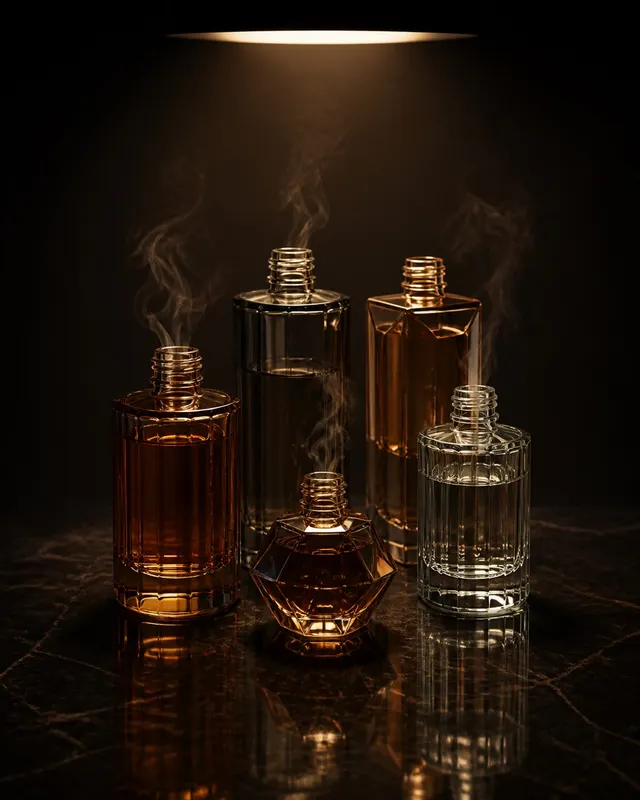
Product Photography
A dramatic dark-background editorial product photograph of five perfume bottles arranged in a staggered formation—tallest at back, smallest…
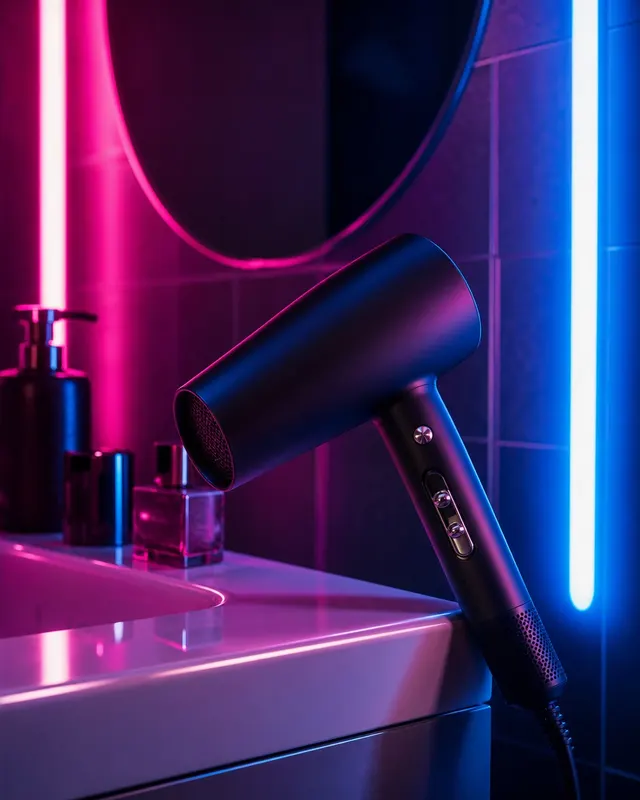
Product Photography
An atmospheric product photograph of a matte-black professional hair dryer propped handle-down against the edge of a glossy white bathroom…
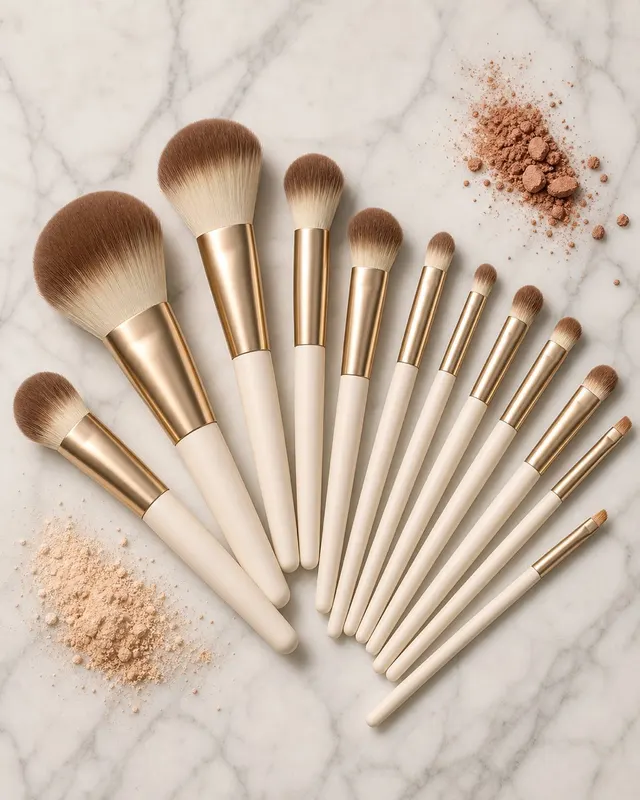
Product Photography
A product photograph of a 10-piece makeup brush set arranged in a perfect fan formation on a white-veined grey marble surface, all handles…
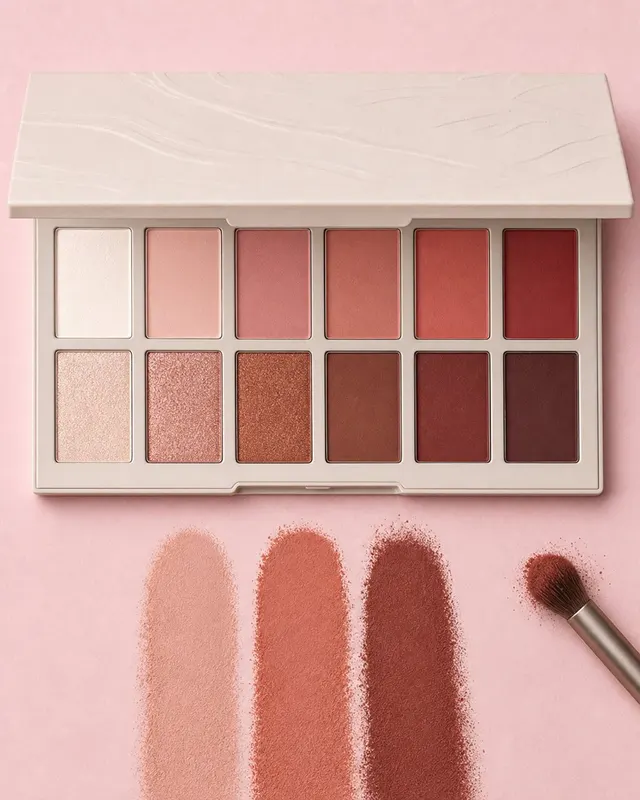
Product Photography
A top-down flat-lay product photograph of a rectangular 12-pan eyeshadow palette sitting open on a smooth pale pink surface. Shot directly…
Product Photography
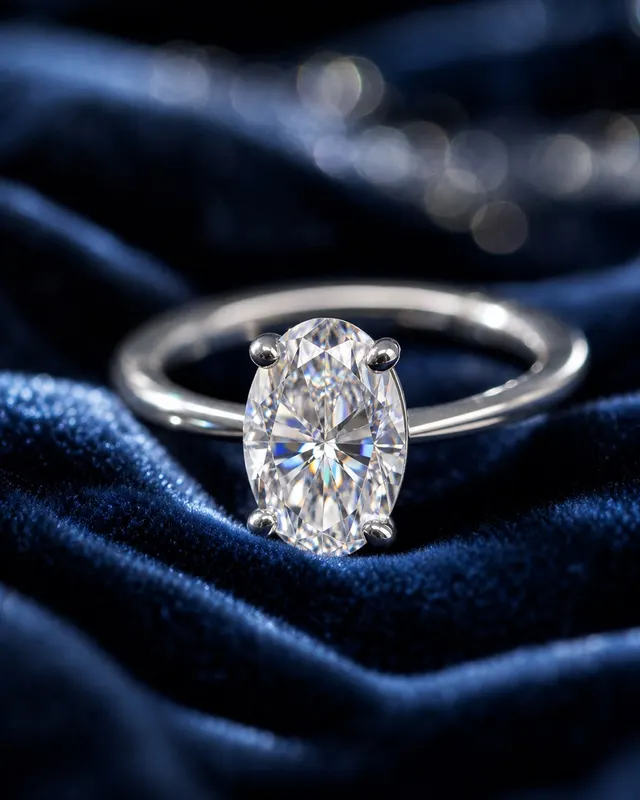
A close-up macro jewelry photograph of a solitaire diamond engagement ring balanced on its band on a polished obsidian surface. Shot with a…
Product Photography
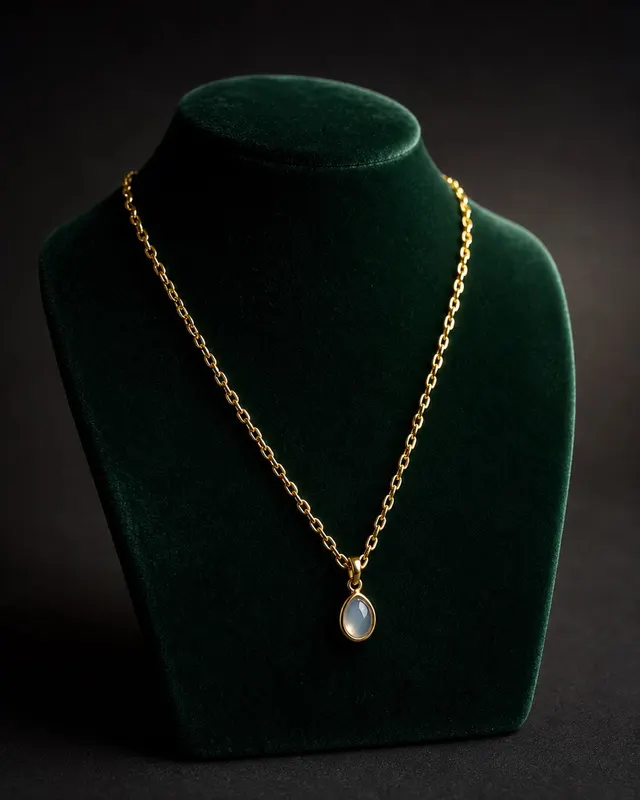
An editorial jewelry product photograph of a delicate 18-karat gold vermeil chain necklace with a small teardrop pendant, laid out on a dee…
Product Photography
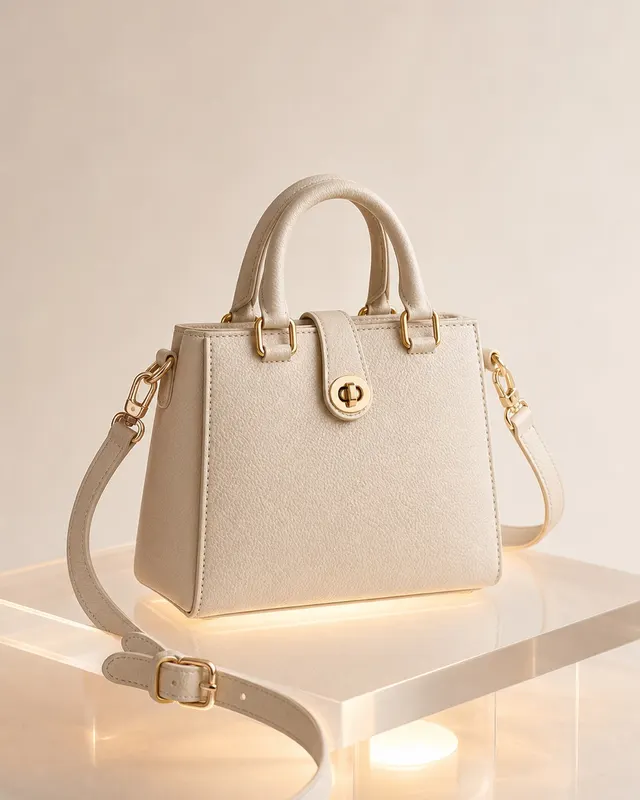
A studio product photograph of a structured mini tote handbag shot from a 45-degree three-quarter front angle at eye level. 70mm lens at f/…
Product Photography
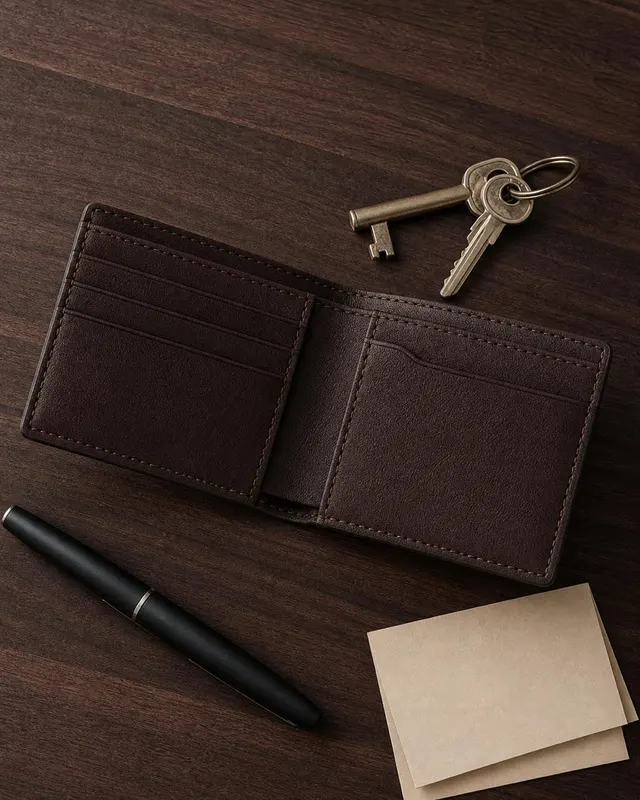
A flat-lay overhead product photograph of a bifold leather wallet opened to reveal card slots, laid on a light grey concrete surface. Shot…
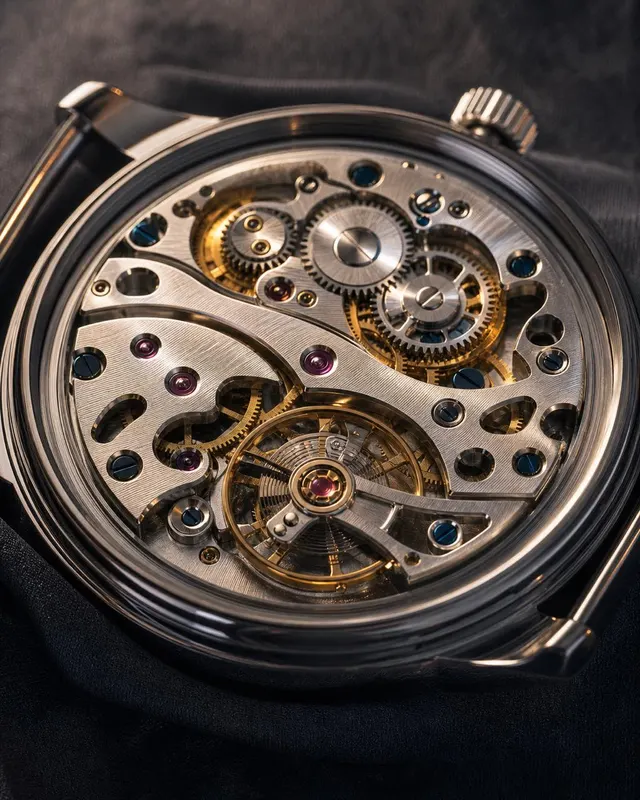
Product Photography
A monochrome macro product photograph of an open-caseback mechanical watch laid dial-up on a black velvet pad, showing both the dial face a…
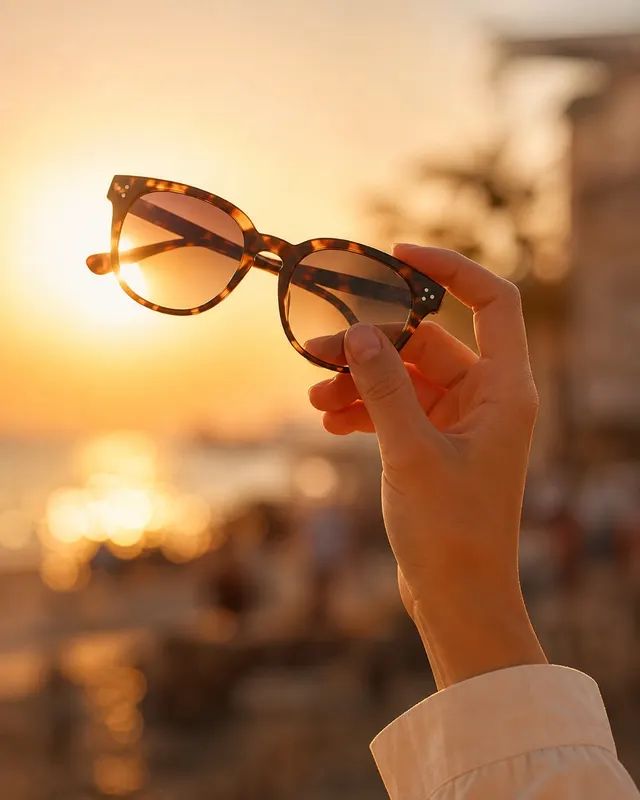
Product Photography
An editorial product photograph of a pair of oversized tortoiseshell acetate sunglasses held casually in a human hand against an open outdo…
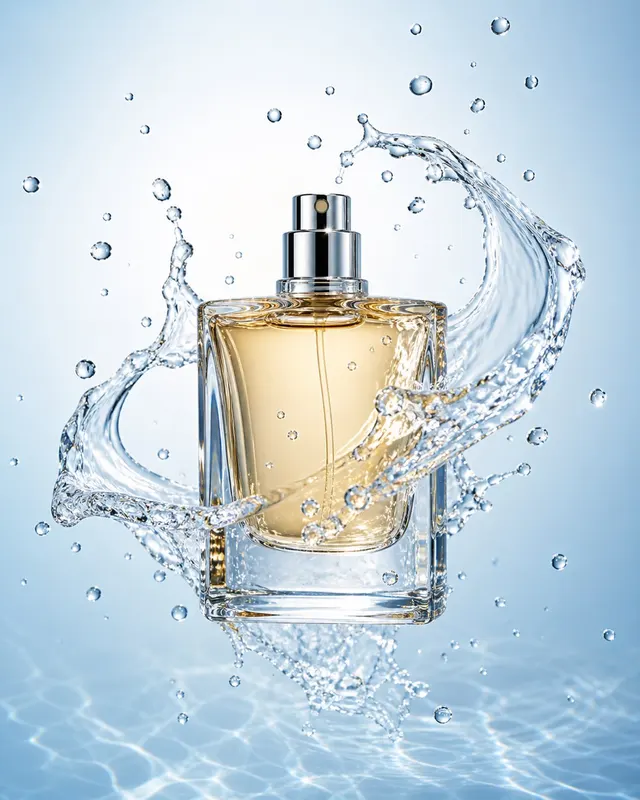
Product Photography
A high-speed commercial product photograph of a tall rectangular perfume bottle caught mid-splash as it pierces the surface of crystal-clea…
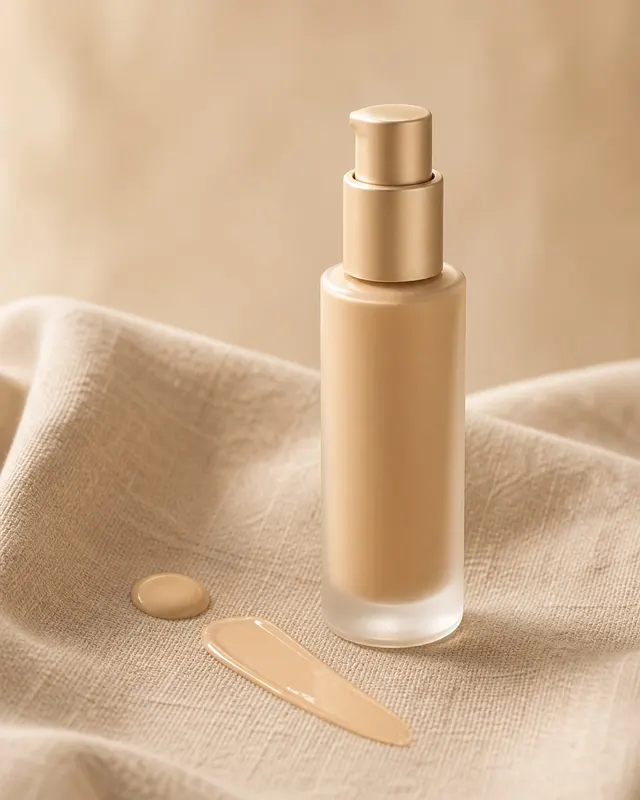
Product Photography
A product still-life of a full-size foundation pump bottle set against a draped raw linen cloth with visible thread texture. Photographed o…
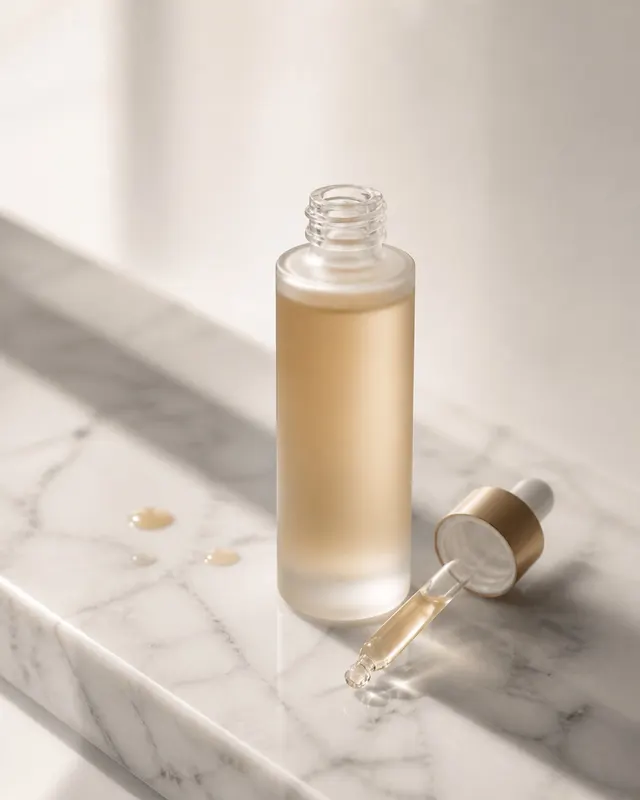
Product Photography
A commercial product photograph of a slender frosted-glass skincare serum bottle standing upright on a slab of white Carrara marble. Shot w…