Account Settings Preferences Panel
This is a UI Mockups AI image prompt case, leaning toward Light Mode, Minimalist, Flat. Copy the full prompt below and paste it into a free GPT image generator to create your own image with GPT Image-2 — swap the subject, brand, or aspect ratio as needed.
English full prompt
A desktop browser mockup of a user account settings page at 1280 px, light mode. Two-column layout: a left settings navigation menu lists sections — "Profile", "Account", "Notifications" (active, bold with a left-bar indicator), "Privacy & Security", "Billing", "Integrations", "Help & Support" — each with a leading icon. The right content area shows the "Notifications" settings sub-page. It contains grouped preference rows, each row having a label (e.g. "Email digest"), a short description in gray ("A weekly summary of your activity"), and a toggle switch on the right — some toggles are ON (filled teal), some OFF (gray). One row is expanded with a sub-option dropdown showing frequency: "Instantly", "Daily", "Weekly". Rows are separated by 1 px dividers within white card sections. At the bottom, a "Save Changes" button in teal and a "Discard" text link. Color palette: #F8FAFC page background, white cards, teal #0D9488 toggles and CTA, dark text, gray descriptions.中文完整提示词
一张 1280px 宽桌面账户设置页面截图,浅色模式。双栏布局:左侧设置导航菜单含「个人资料」「账户」「通知」(当前激活,粗体左边框高亮)「隐私与安全」等分区,每项带前导图标;右侧内容区展示「通知」子页面,包含分组偏好设置行,每行含标签、灰色描述和右侧切换开关。开启状态用青色并标注「开」,关闭状态用灰色并标注「关」。一行展开显示频率下拉「即时」「每日」「每周」。行间 1px 分隔线,白色卡片区块。底部「保存更改」青色按钮和「放弃」文字链接。所有用户可见文字为自然简体中文,不出现英文开关词、英文菜单、真实平台名称、真实应用图标或水印。
Related cases
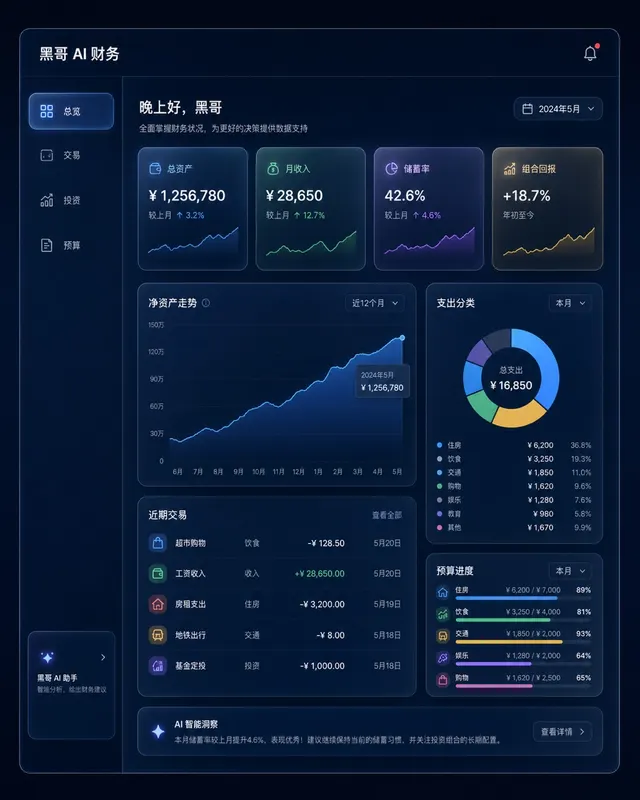
Dark Finance Dashboard Glassmorphism
A pixel-perfect desktop web app mockup of a personal finance dashboard rendered in glassmorphism style. The layout uses a dark navy background (#0D1117) with frosted-glass panels…
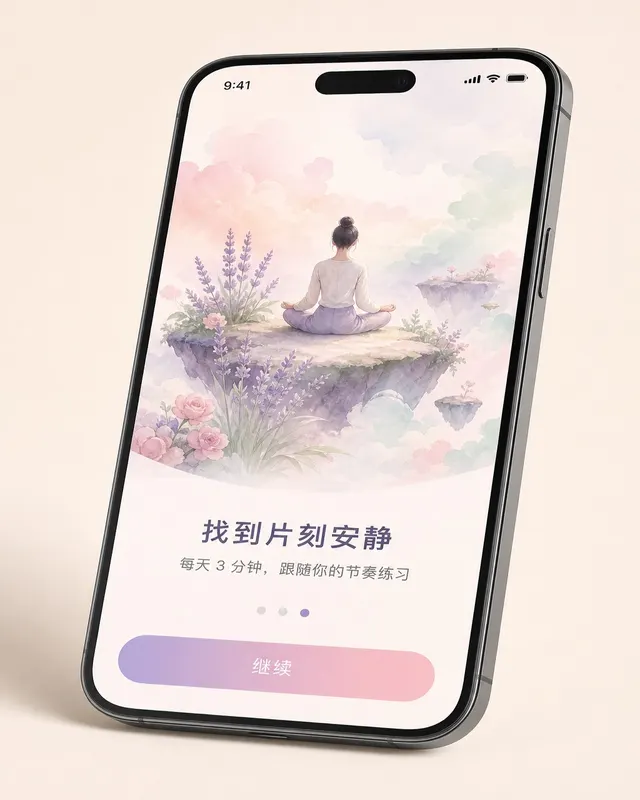
iOS Meditation App Onboarding
A pixel-perfect iOS 17 onboarding screen for a meditation app, shown in iPhone 15 Pro device frame at natural perspective with a slight tilt. The screen is the third of five steps…
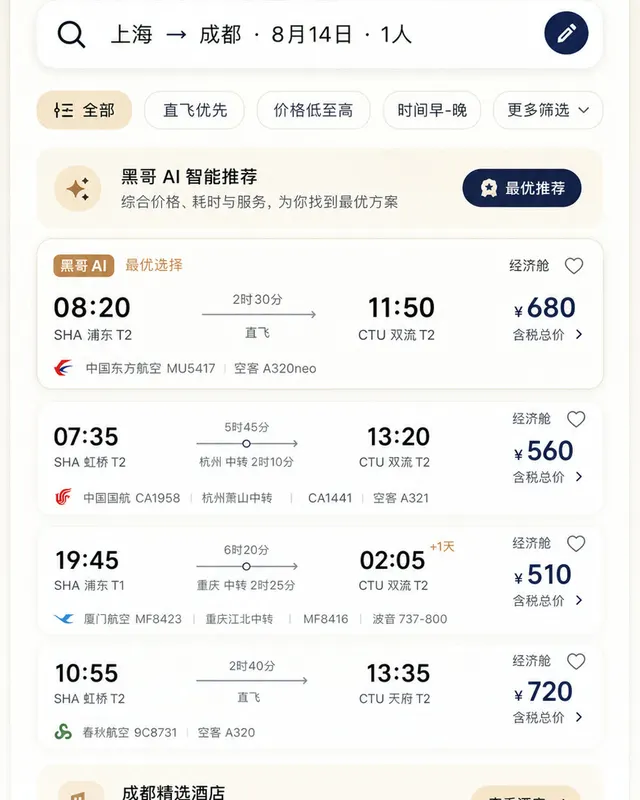
Material 3 Travel Booking App
A pixel-perfect Android mockup following Material Design 3 guidelines for a flight and hotel booking app in light mode. The screen shows a search-results list for flights from Tok…
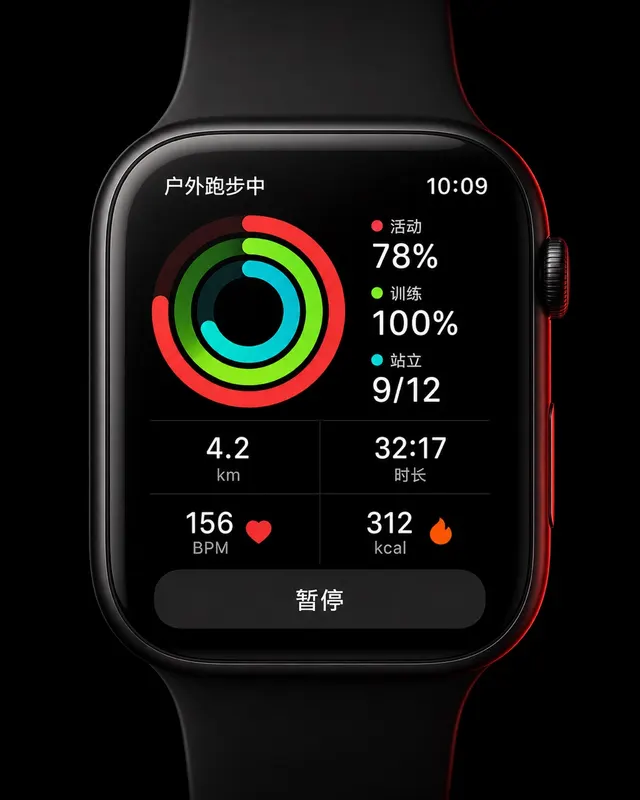
Apple Watch Workout Ring Screen
A pixel-perfect smartwatch UI mockup displayed on a 45mm square watch face with rounded corners and a black OLED background. The screen shows an active outdoor run workout. Three…