Hive Climate Monitor
This is a UI Mockups AI image prompt case, leaning toward UI, Realistic. Copy the full prompt below and paste it into a free GPT image generator to create your own image with GPT Image-2 — swap the subject, brand, or aspect ratio as needed.
English full prompt
Render the “Hive Climate Monitor” sample monitoring console at 3:2, with every component supporting “更新蜂箱读数.” Build the main workspace with state attached to each node, moving from pending objects to evidence and then to the final action, revealing history only after an object is selected. Avoid placeholders and render 「蜂箱读数 46」「待复核 3」「完成率 70%」, explaining scope beside the relevant object. Use “蜂箱读数 46 / 读数稳定”“蜂箱读数 49 / 必须复测”“蜂箱读数 52 / 设备离线” as three concrete examples and keep responsibility plus collection time visible. Selecting the second row exposes change history and collection basis. “更新蜂箱读数” returns a visible receipt, and error focus moves to the incomplete field. Cache evidence while offline and require a version choice when connectivity returns. The empty list offers a 蜂箱读数 creation action and pending-state filter. Give the tool a mature tone through deep ocean blue, silver gray, and signal orange, clear Simplified Chinese sans-serif type, and tabular numerals and high-contrast Chinese body text. Label icons and move keyboard focus through filter, list, detail, and action. Build an original product language without borrowing existing identity. Avatars and codes cannot point to reality, and the frame is not an advertisement. Let the main operation finish without navigating away for “Hive Climate Monitor” after the operator chooses the action “更新蜂箱读数”. When offline, mark the queued change in words and show the later sync state beside it. Final art direction: original product interface design with clear hierarchy and credible interaction states. Use this controlled palette as the dominant visual system: #172B3A, #E8F0EE, #6DA58D, #D79A46; preserve believable local material colors within it. Preserve the requested text hierarchy and wording as part of the design, but do not invent extra slogans, pseudo-text, logos, or watermarks. Keep one unmistakable primary subject or information route and one readable visual action. Use disciplined negative space and avoid default perfect symmetry. Physical credibility is mandatory: correct gravity, contact shadows, material thickness, tool weight, joint loading, fabric tension, liquid direction, reflections, scale, and occlusion. Create an original visual with no resemblance to a public figure, copyrighted character, existing campaign, or living artist signature style. No unrelated decorative icons, floating objects, duplicated limbs, plastic gloss, waxy skin, synthetic collage artifacts, or AI watermarks. Return exactly one finished image composed for 3:2; no variants, process sheet, split panels, mockup frame, or contact sheet.
中文完整提示词
呈现「蜂箱温湿度巡检」的采样监测台成片,画幅 3:2,页面只围绕“更新蜂箱读数”展开。把时间轴贯穿全宽用于主工作区,历史变化只在选中对象后展开。不要使用占位符,直接呈现「蜂箱读数 46」「待复核 3」「完成率 70%」,并在相关对象旁解释统计范围。以三行真实样例呈现“蜂箱读数 46/读数稳定”“蜂箱读数 49/必须复测”“蜂箱读数 52/设备离线”,不要省略责任人和采集时间。第二行被选中时露出变更历史与采集依据,便于执行“更新蜂箱读数”。执行“更新蜂箱读数”会产生可见回执,错误焦点直接落在未填项。把离线证据暂存在设备内,连接恢复时要求选择版本。蜂箱读数为空时显示创建入口,待处理状态可独立过滤。以深海蓝、银灰与信号橙呈现成熟工具感,中文正文保持高对比。状态图标旁写清含义,键盘焦点沿筛选、列表、详情、操作移动,便于执行“更新蜂箱读数”。界面视觉自成体系,不能借用现有产品识别;头像与编号不可对应现实对象,也不做宣传海报,服务“更新蜂箱读数”的完成闭环。
Related cases
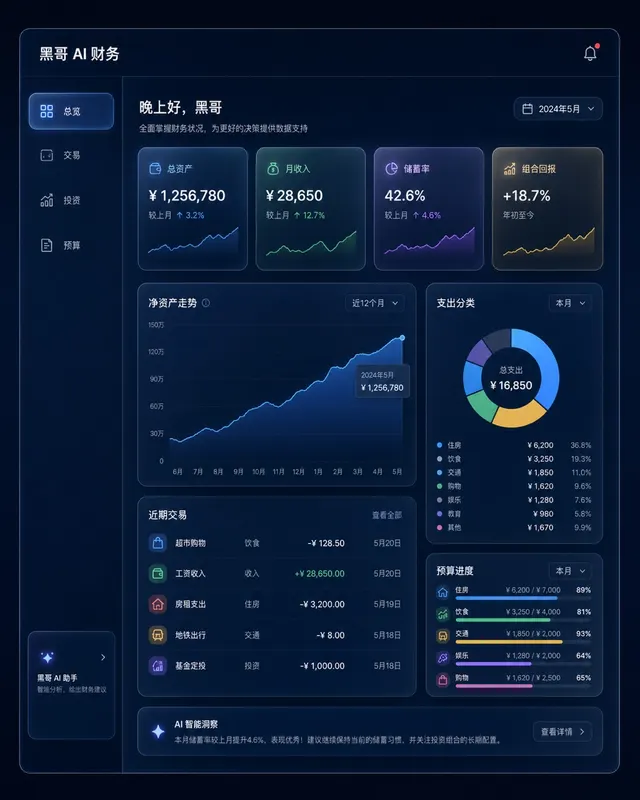
Dark Finance Dashboard Glassmorphism
A pixel-perfect desktop web app mockup of a personal finance dashboard rendered in glassmorphism style. The layout uses a dark navy background (#0D1117) with frosted-glass panels…
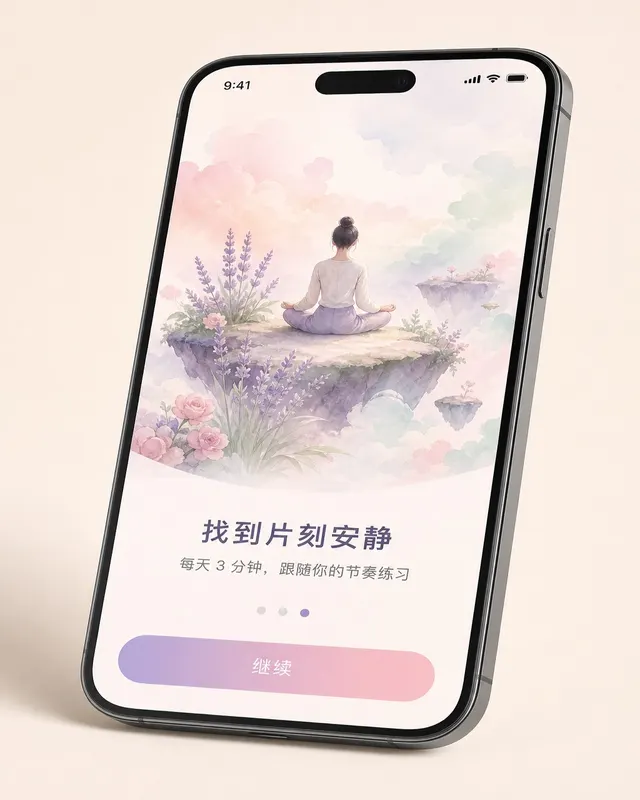
iOS Meditation App Onboarding
A pixel-perfect iOS 17 onboarding screen for a meditation app, shown in iPhone 15 Pro device frame at natural perspective with a slight tilt. The screen is the third of five steps…
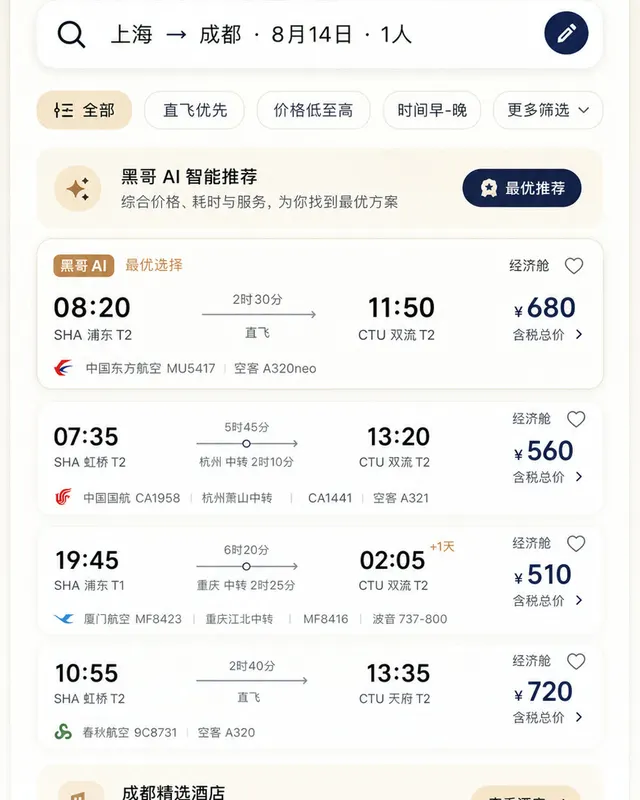
Material 3 Travel Booking App
A pixel-perfect Android mockup following Material Design 3 guidelines for a flight and hotel booking app in light mode. The screen shows a search-results list for flights from Tok…
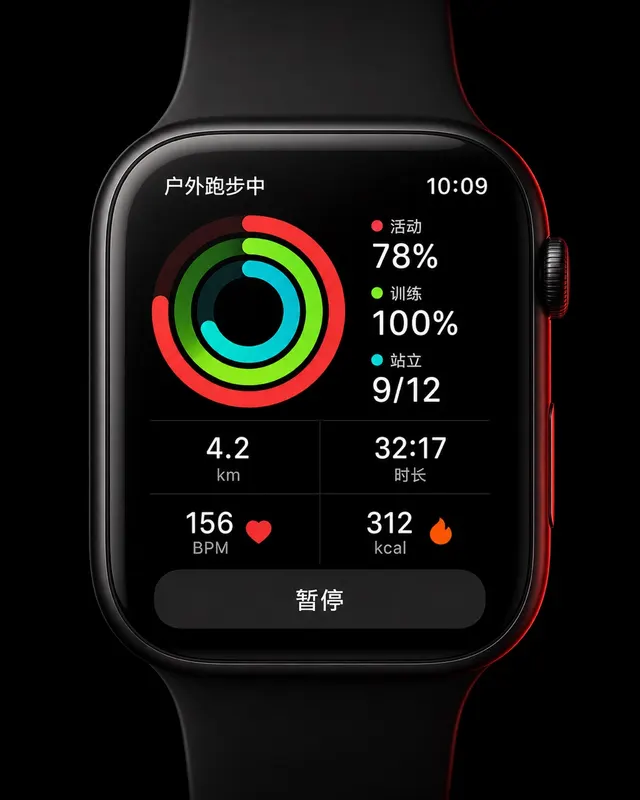
Apple Watch Workout Ring Screen
A pixel-perfect smartwatch UI mockup displayed on a 45mm square watch face with rounded corners and a black OLED background. The screen shows an active outdoor run workout. Three…